Best AI Tools for Coaches and Course Creators: Choose by Task (2026)
Best AI Tools for Coaches and Course Creators: Choose by Task — 10 tools compared for drafting, hosting, selling and follow-up, with pricing and best fits.

Which part of your coaching business needs AI first, writing the lessons, organizing your method, or getting a finished product into a buyer's hands? A tool that drafts content solves a different problem from one that hosts courses, processes payments, or sends follow-up emails.
The best AI tools for coaches and course creators, chosen by task rather than popularity, aren't interchangeable. A writing assistant isn't a learning platform, and a learning platform won't necessarily help you explain your expertise. Buying the broadest subscription before identifying the missing step can leave you paying for features while the actual work remains unfinished.
This comparison separates drafting, course building, delivery, checkout, design, video, and selling. Each entry explains the strongest use case, the practical limitation, and the listed pricing or plan considerations. Where no specific price is established, compare the current plan rather than assuming an AI feature comes with the entry subscription.
Before testing anything, choose a real deliverable:
- For creation: Bring workshop notes and turn them into a lesson with an exercise.
- For delivery: Upload a finished module and test the buyer's route from payment to access.
- For marketing: Draft a welcome message tied to a specific product, not a generic promotional sequence.
Judge the finished result and the correction work, not just how quickly the tool generates something.
1. Genesize
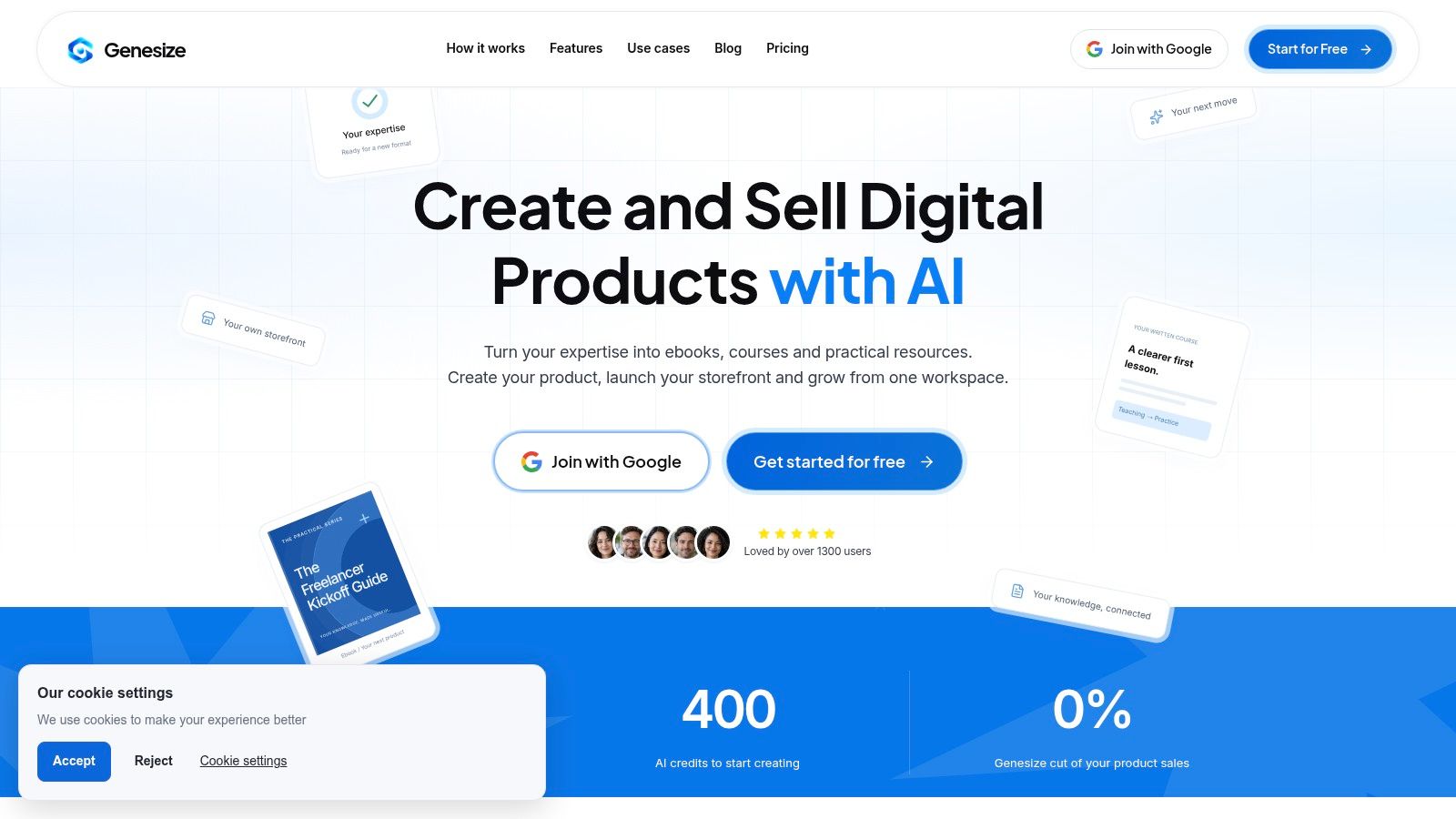
Best for turning expertise into a written product and connecting it to a sales workflow. Start with notes, methods, examples, and writing samples in our Expertise Library, or use the AI interview to capture how you approach a problem.
That starting point matters. A useful coaching course needs your distinctions, examples, and decision-making process, not an expanded outline about a popular topic. You can review the draft, edit its content and design, then export PDF or Word files.
Where the connected workflow helps
Our workspace also includes a hosted storefront, Stripe checkout, buyer delivery, sales-page creation, email tools, CRM, and sales analytics. The Growth Agent suggests actions for you to review, rather than making business decisions on your behalf.
For example, you could turn a workshop into a practical workbook, prepare its sales page, and organize follow-up without transferring product descriptions and buyer records between separate services. You still need to approve the teaching, test the purchase journey, and decide which messages customers should receive.
- Strongest advantage: Creation, selling, delivery, and customer management sit in the same workspace.
- Useful control: Manual edits, design changes, and exports use no AI credits. Each AI action displays its credit cost before you start.
- Important limitation: Customer campaigns and automations require the first payment; trial email use is limited to drafts and test sends to your own address.
Pricing: Our Creator plan costs $58 USD per month, billed monthly after the trial. The 14-day trial includes 400 total AI credits and up to three saved product projects.
There's no permanent free plan. Treat the trial as a complete workflow test, including editing and delivery preparation, rather than just a chance to generate pages.
2. ChatGPT
Best for drafting and reshaping content before you commit to a course platform. Give the assistant a workshop transcript, your audience's starting knowledge, and the outcome learners should achieve. Then ask for a lesson outline before requesting full prose.
The useful work happens through revision. Ask it to identify missing prerequisites, distinguish explanation from practice, and flag unsupported claims instead of filling gaps with plausible material.
For an existing content library, this guide to turning existing content into digital products with AI provides a practical starting point. Select material that serves a coherent learner outcome rather than combining everything you've published.
Practical rule: Ask for a lesson learners can apply, not merely a chapter they can read.
What to keep outside the chat
You'll still need somewhere to host the course, collect payment, and manage access. Projects and reusable instructions can help maintain consistency, but they don't replace a delivery platform or your editorial standards.
- Works well: Outlines, alternative explanations, exercise drafts, and adapting an approved lesson into promotional copy.
- Needs supervision: Factual claims, invented examples presented as evidence, and advice that exceeds your source material.
- Pricing: A free plan is available; Plus is listed at $20 per month on the product website, with features and usage limits varying by plan.
Choose it when the blank page is the problem, not when checkout or learner management is what's blocking your launch.
3. Coursebox
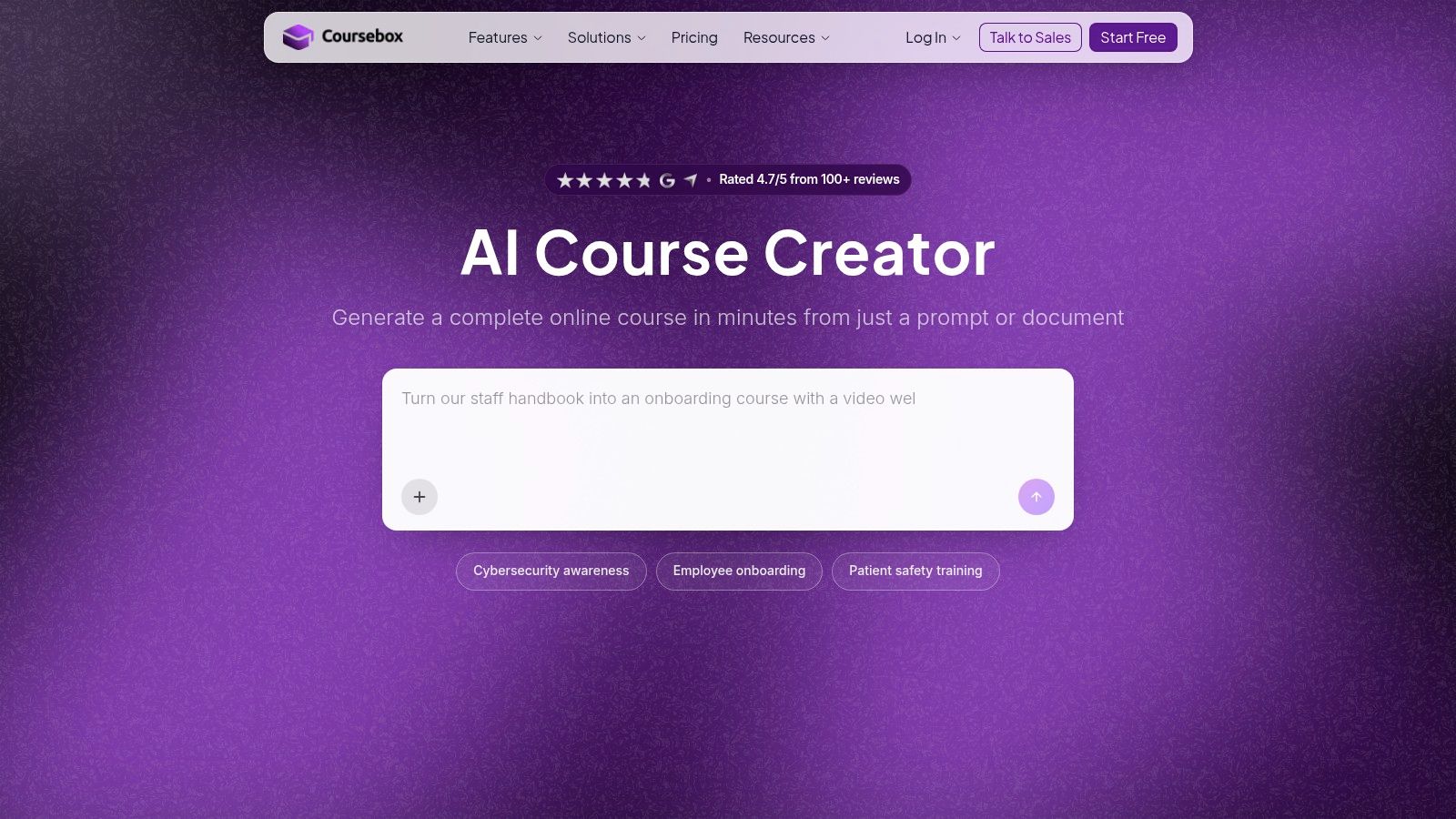
A consultant with a substantial training document needs more than polished paragraphs. Coursebox is a better fit when the next task is turning source material into an editable course structure, including lessons and quizzes.
It can generate course content from prompts or uploaded documents, then support editing and added media. Delivery and selling features make it more course-focused than a general writing assistant, while qualifying plans offer PDF and SCORM exports.
Test the teaching sequence
Upload a representative document and inspect the proposed progression. Does the learner practice a skill before being assessed on it? Does the quiz test application, or merely repeat vocabulary from the lesson?
An organized course shell can look finished before the instructional work is completed. Replace broad summaries with your own examples, remove repetition, and check whether generated assessments match the promised outcome.
- Advantage: Course generation, AI-assisted quizzes, and delivery belong to the same workflow.
- Trade-off: Branding, exports, learner management, and AI allowances depend on the tier.
- Pricing: Coursebox offers a free plan for testing without a card; paid-plan features and credit allowances vary.
If you expect to deliver through another learning system, test the required export before building the whole course. A downloadable document and a portable learning package serve different purposes. Confirm which one your customer or organization needs.
4. LearnWorlds
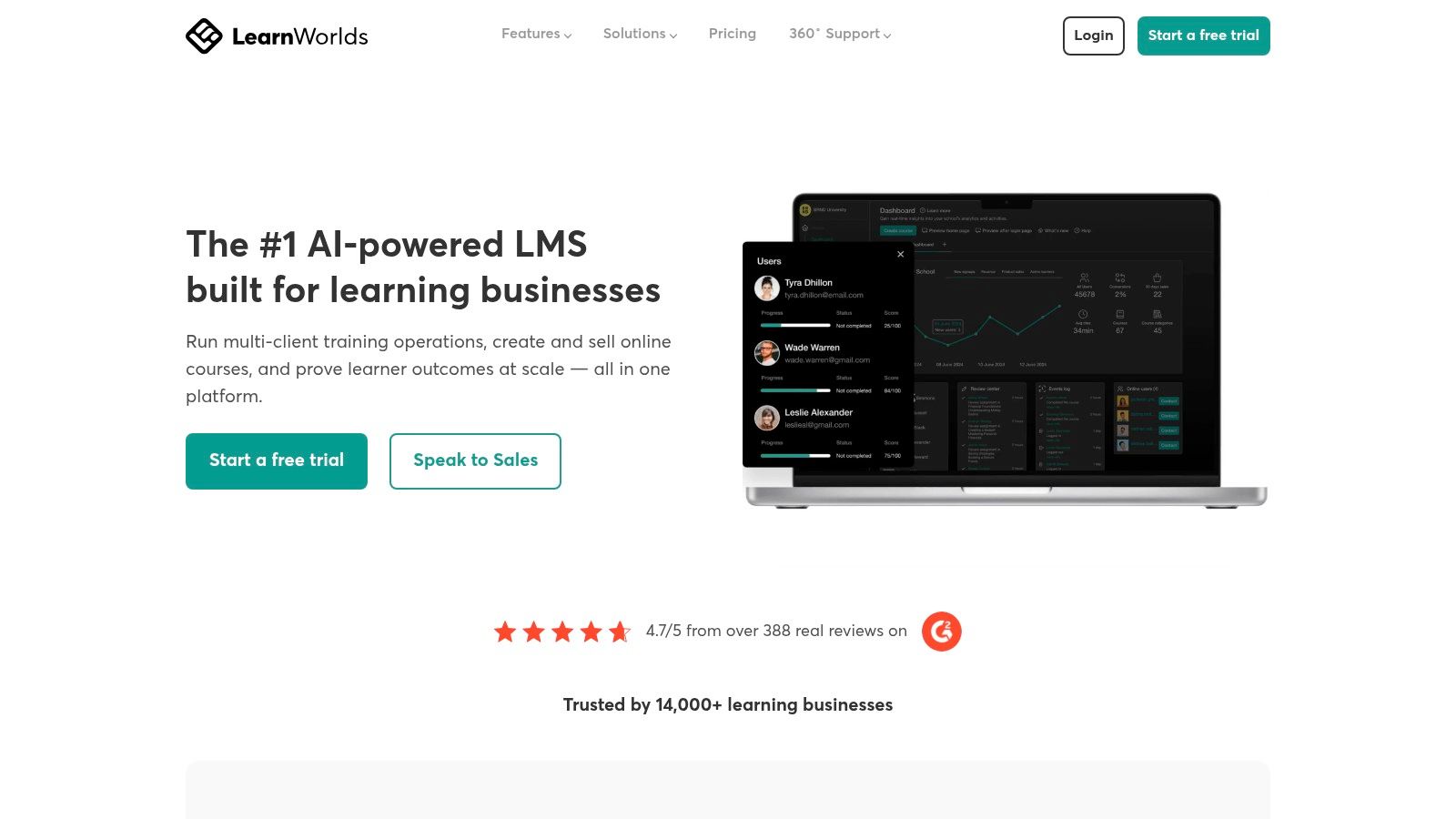
Choose LearnWorlds when the learning experience needs more structure than a downloadable resource. Its combination of hosting, learning activities, assessments, and live sessions suits creators building an online school rather than just selling a file.
The AI assistant can help draft outlines, assessments, emails, and related materials. That's useful production support, but the stronger reason to evaluate the platform is how learners move through your teaching.
Say you're packaging a consulting method into self-paced lessons plus live group sessions. Test the transition between those formats, the clarity of navigation, and the learner's view of required activities.
Compare the delivery requirements first
- Good fit: Custom-domain hosting and structured courses with learning activities.
- Plan-sensitive features: Subscriptions, learning paths, certificates, and integrations require attention to tier access.
- Limitation: AI allowances depend on the plan unless you use a connected AI-provider API, which introduces separate setup and usage considerations.
Pricing: LearnWorlds lists Starter at $44 per month billed annually or $49 monthly, plus a per-enrollment fee, and Pro Trainer at $79 per month billed annually or $99 monthly, without enrollment fees.
Don't compare those subscriptions in isolation. Model the same enrollment volume and required features across both plans. If your offer is only a workbook with optional coaching, the school-building features may add configuration work without improving what the buyer receives.
5. Thinkific
Your curriculum is written, the exercises are ready, and the remaining problem is delivery. That's a stronger reason to consider Thinkific than wanting AI to write the course for you.
The platform supports courses, coaching, live cohorts, and memberships, alongside quizzes, assignments, discussions, and certificates. Commerce features such as bundles, payment plans, and upsells help when you sell several versions of an educational offer.
Its higher-tier AI teaching assistant addresses learner questions. That's a different task from interviewing you about your expertise or constructing an original curriculum.
A learner-support assistant should help people use approved teaching, not become an unreviewed substitute for your professional judgment.
Evaluate it from the learner's account
Create a sample module with an assignment and a discussion prompt. Then test whether learners can understand what to do, submit their work, and find the relevant support without an explanation from you.
- Strength: Flexible packaging for courses, coaching, cohorts, and memberships.
- Constraint: Advanced analytics, integrations, and AI teaching assistance can require higher tiers.
- Pricing: Thinkific lists Start at $82 per month billed annually or $109 monthly, with a free trial available.
For a simple ebook, this may be more infrastructure than you need. For an offer built around progression, interaction, and different purchase options, those delivery capabilities deserve more weight than the presence of an AI label.
6. Teachable
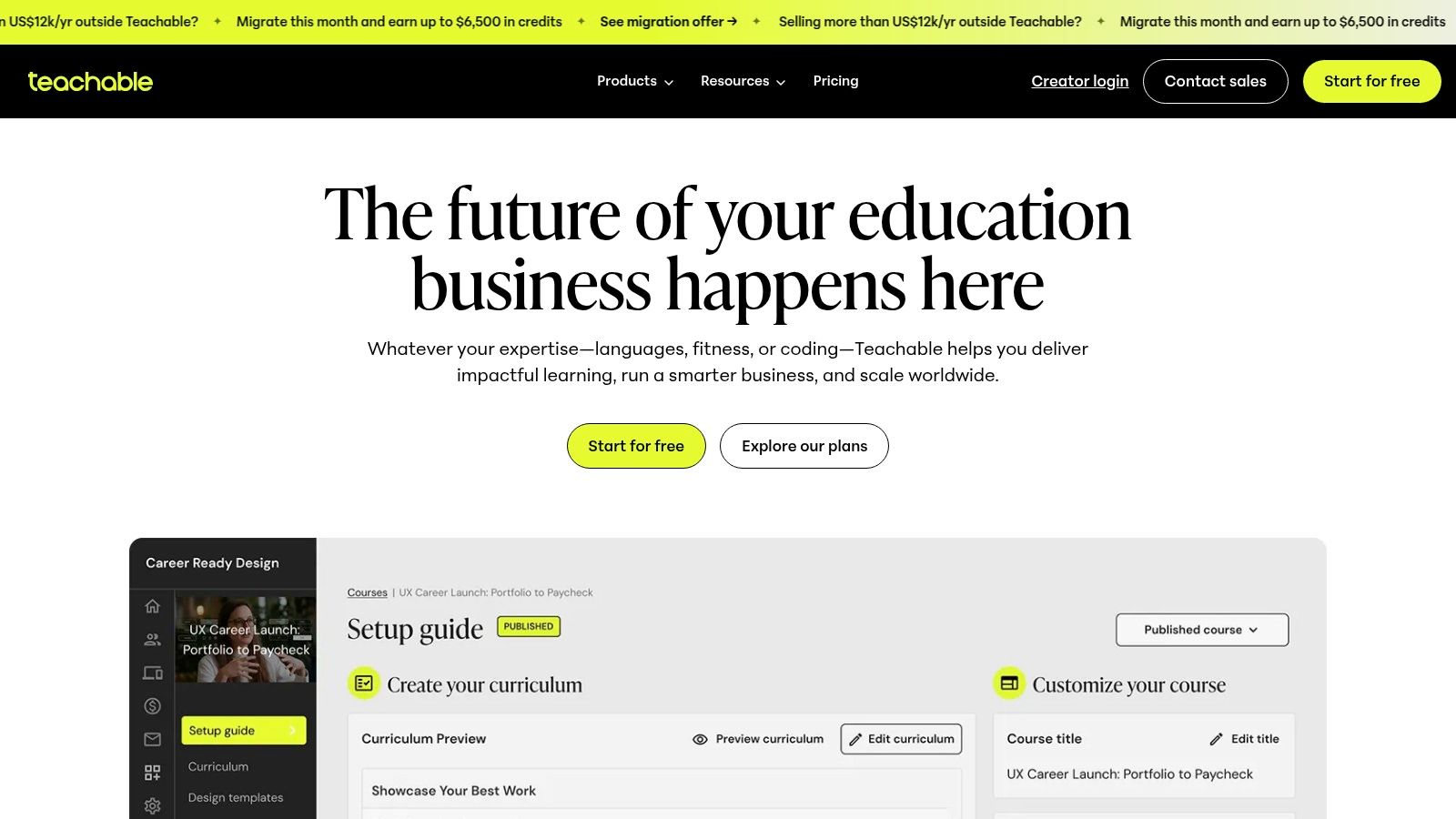
Teachable fits the creator whose immediate task is publishing a paid offer with checkout and delivery. It supports courses, coaching, and digital downloads, so you can evaluate different product formats without treating every resource as a full course.
Create with AI can generate course sections, lessons, and sample content from a description. Use that to establish a draft structure, then replace generic instruction with your method and examples.
Watch the economics of the entry plan
Teachable lists Starter at $29 per month billed annually or $39 monthly, with a 7.5% transaction fee, and Builder at $69 per month billed annually or $89 monthly. Compare the subscription and applicable selling costs together, using the same expected orders and product prices.
The cheapest subscription isn't automatically the cheapest way to run a launch. Product limits also matter if you plan to publish separate workshops, templates, and coaching offers.
- Useful combination: AI-assisted initial structure plus checkout and product delivery.
- Selling support: Global payment and tax features, upsells, and cart recovery.
- Main compromise: Lower-tier product limits and less freedom than a highly customized learning environment.
During the trial, test the actual product format you intend to sell. A smooth course preview doesn't tell you whether your coaching booking process or download delivery will suit the offer.
7. Kajabi
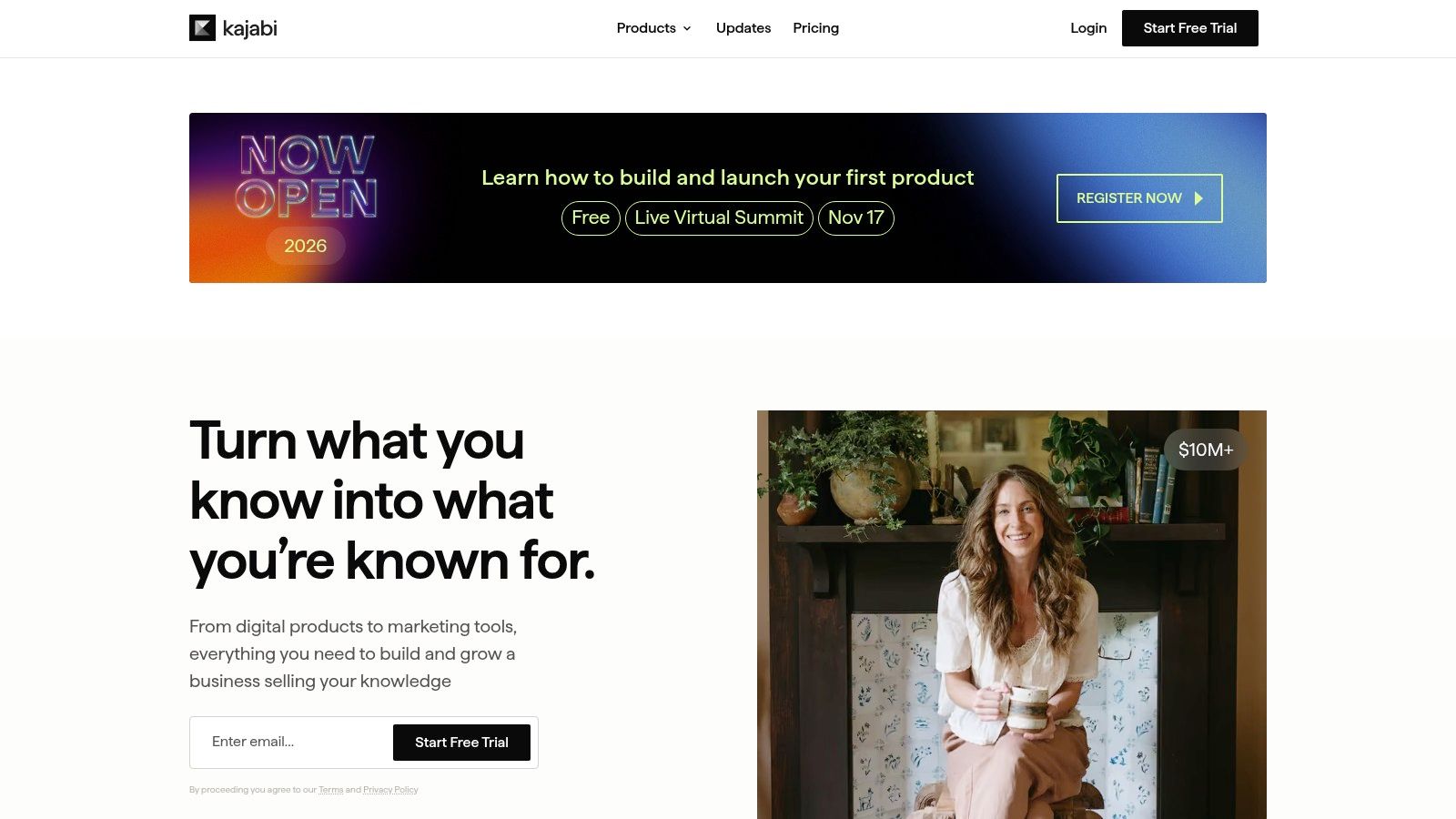
Kajabi is a business-platform decision, not just an AI-writing decision. Its appeal is connecting educational products with sales and marketing workflows, particularly when you want more than a place to upload lessons.
Courses, community capabilities, and different payment arrangements support broader offer design. You can package access as a one-time purchase, a subscription, or a payment plan, depending on the product.
The practical question is whether you'll use the connected business tools. If you already have a website, email system, and checkout you intend to keep, an all-in-one platform may duplicate more than it replaces.
Separate integration from instruction
Kajabi describes connections with external AI assistants through MCP, a mechanism for connecting assistants to tools and data. That isn't the same thing as an expert reviewing your learning objectives, correcting a weak exercise, or approving a sensitive coaching recommendation.
- Best reason to choose it: You want product delivery and business operations in a broader platform.
- Reason to pause: You're selling a single resource and don't need the wider setup.
- Pricing: Compare current prices, product limits, and feature access on Kajabi; don't assume every advertised capability belongs to every plan.
If the broader platform feels excessive, compare Kajabi alternatives against the specific services you need to replace. Count the migration and maintenance work as well as the subscriptions.
8. Podia
A solo creator selling a workbook, a course, and occasional coaching may value a straightforward storefront more than extensive AI authoring. Podia belongs on that shortlist as a selling and delivery platform, not primarily as a course generator.
It combines website tools with courses, downloads, coaching, events, community, and email. Drafting your material elsewhere and bringing the finished product into Podia is a reasonable division of labor.
Keep the product mix realistic
List what you'll sell at launch, not everything you might offer eventually. Then check product limits and email-subscriber allowances against that actual catalog.
Podia lists annual-billing prices of $42 per month for Mover, $84 for Shaker, and $150 for Earthquaker; Mover carries a 5% fee, while those higher listed plans remove it.
- Strong fit: A solo business combining several straightforward digital-product formats.
- Useful consolidation: Website, selling, delivery, and email tools in the same platform.
- Missing emphasis: AI-assisted curriculum drafting isn't its central differentiator.
The important trial task is moving from a public product page to purchase, access, and the first customer email. Check that the buyer understands what they bought and where to begin.
Don't choose Podia because you expect it to solve unfinished teaching material. Choose it when you need a manageable home for an offer you can already explain and deliver.
9. Canva
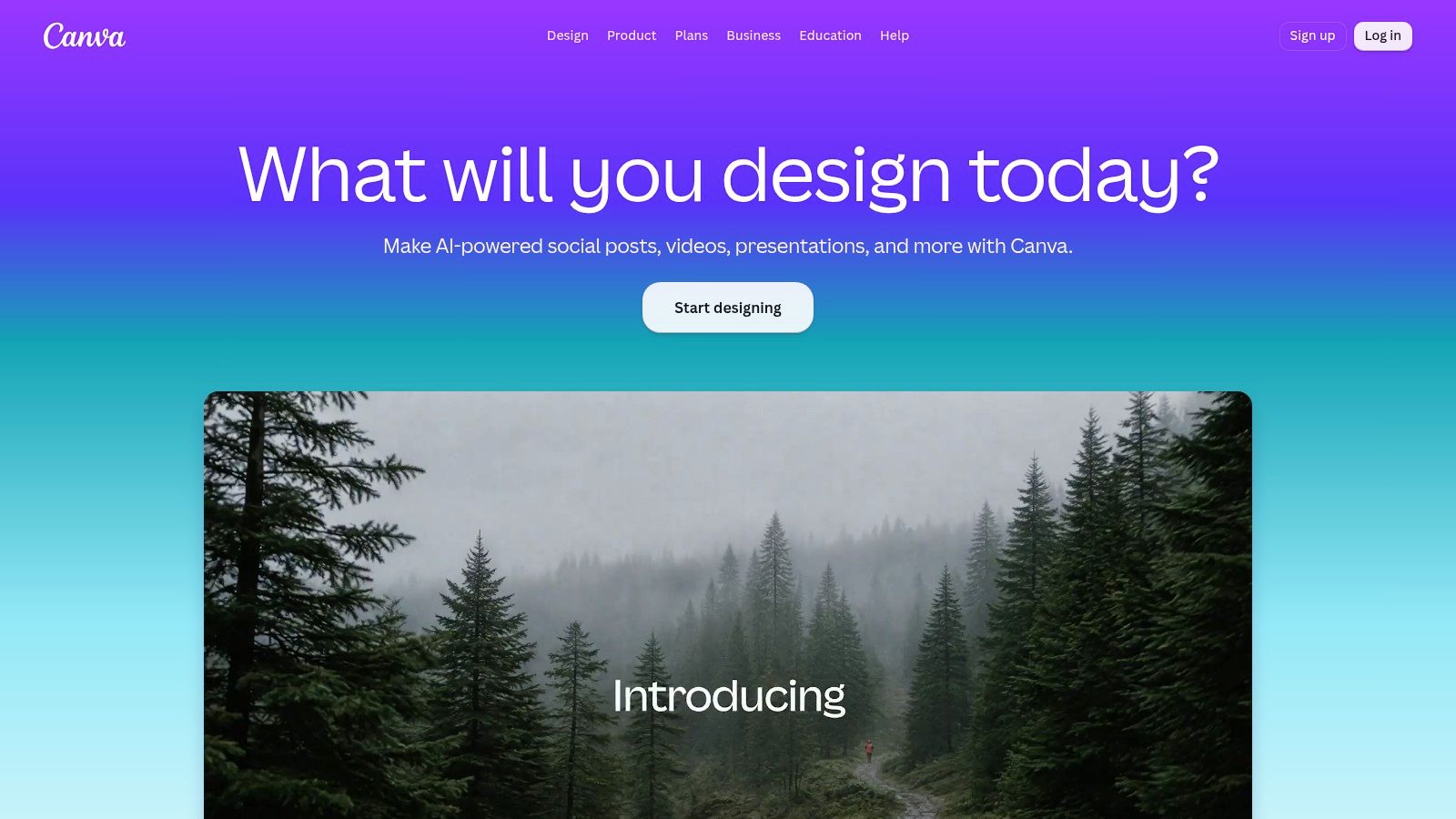
Canva handles the visual-production task after you've decided what learners need to understand. Use it for workbooks, presentation slides, diagrams, lead magnets, and promotional assets.
Templates and Magic Studio features can help you turn approved material into consistent designs. They won't determine whether a worksheet asks a useful question or gives learners enough room to answer it.
For a practical resource, start with the content and page requirements in this guide to building an ebook. Choose a template after you know whether the reader needs explanation, examples, writing space, or a reference layout.
Design for use, not just appearance
- For workbooks: Preserve readable text, clear instructions, and adequate response space.
- For slides: Show the idea you're explaining rather than pasting the entire lesson onto the screen.
- For promotion: Keep the product name, promise, and visual identity consistent with the actual resource.
Pricing: Canva offers plan-dependent AI access and allowances, with some capabilities potentially available through an add-on. Compare the specific tools you need rather than treating all AI features as a single entitlement.
Canva complements a writing assistant or course platform. It doesn't provide standalone course hosting, learner management, or course checkout.
A polished cover can help present your work clearly. It can't compensate for generic advice, missing examples, or an exercise that learners don't know how to complete.
10. Descript
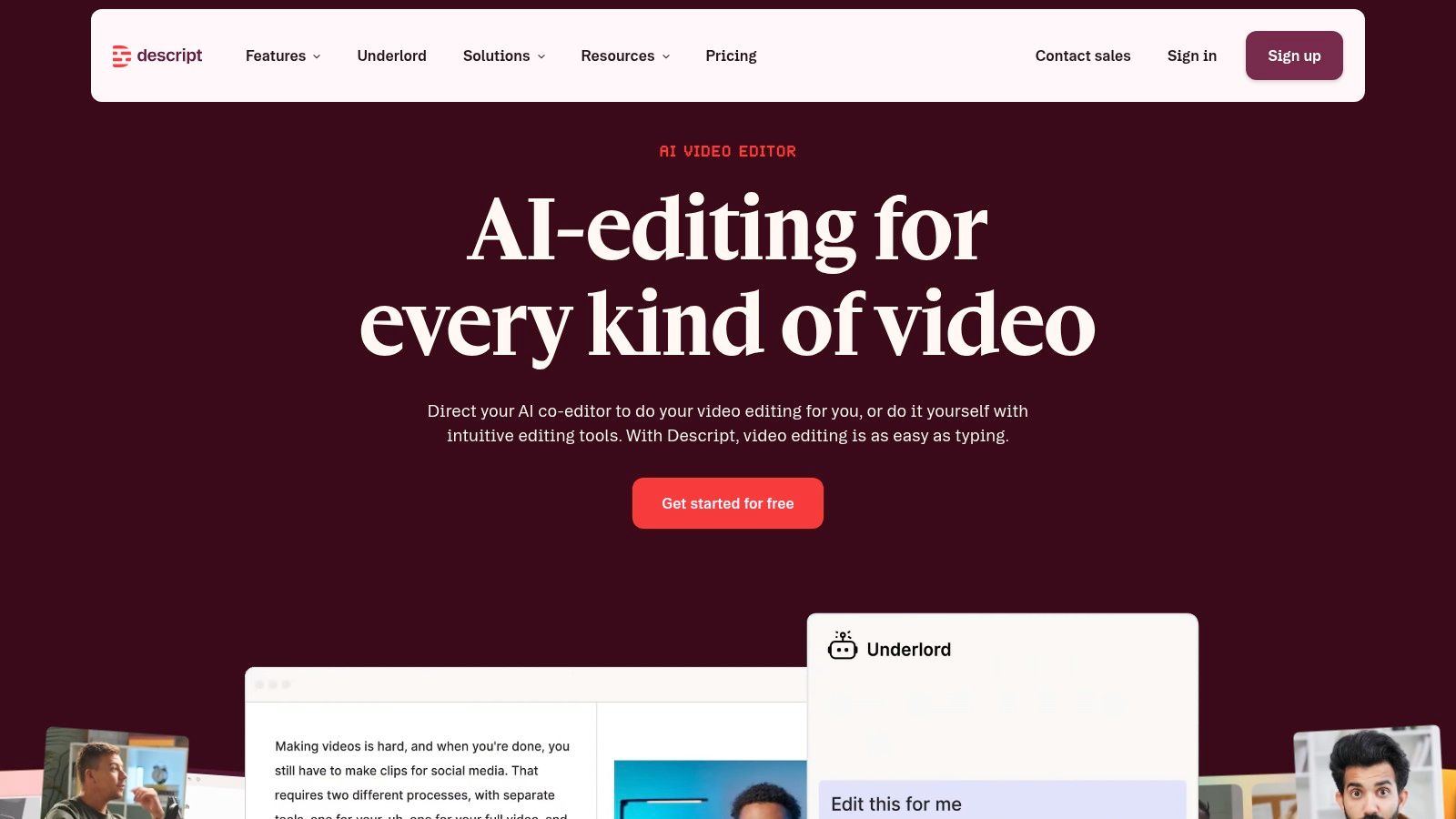
Spoken lessons create a different production problem from written courses. Descript is useful when editing recordings, interviews, or demonstrations is what keeps delaying publication.
Its text-based workflow lets you edit audio and video through a transcript. Transcription, captions, and AI tools for common editing tasks can keep several production steps in the same workspace.
The key test is whether transcript editing suits your teaching style. Removing a sentence may tighten a talking-head explanation, but a demonstration can depend on pauses, cursor movement, or an action that continues while you speak.
Keep the pause learners need to follow the demonstration. Removing every hesitation isn't the same as improving the lesson.
Test a representative recording
Choose footage containing your normal vocabulary, screen-sharing style, and recording conditions. Correct specialist terms in the transcript and captions, then watch the exported result rather than judging the text alone.
- Strength: Recording, editing, transcription, and export in a connected production workflow.
- Limitation: Media minutes and AI credits depend on the plan; detailed video work may still need a dedicated editor.
- Pricing: Descript offers a free plan, with Hobbyist listed at $16 per month billed annually or $24 monthly, and Creator at $24 per month billed annually or $35 monthly.
You'll still need a separate system for course sales and learner management. Buy it to improve media production, not to replace the rest of your education business.
10 AI tools for coaches and course creators at a glance
Match each tool to the step in your workflow that actually needs it. Prices below are listed entry points where the provider publishes one; annual billing lowers the monthly figure, so confirm current terms on the provider's site before subscribing.
| Main task in your workflow | Cost to start | Best for |
|---|---|---|
| Genesize, create and sell ebooks and written courses | 14-day trial; then $58/month billed monthly | Creators wanting product creation, storefront, delivery, and sales tools in one workspace |
| ChatGPT, plan, draft, and repurpose content | Free plan; Plus at $20/month | Flexible content drafting alongside a separate course platform |
| Coursebox, generate and deliver AI-assisted courses | Free plan available | Quickly building and delivering a structured course |
| LearnWorlds, host and sell structured online courses | Free trial; from $44/month billed annually | Online schools needing learning activities and course delivery |
| Thinkific, host and sell courses, coaching, and memberships | Free trial; from $82/month billed annually | Creators needing course delivery and learner engagement tools |
| Teachable, create and sell courses, coaching, and downloads | Trial available; from $29/month billed annually | Creators combining AI-assisted course creation with sales and delivery |
| Kajabi, connect courses with business and marketing workflows | Kajabi lists current plans and trial terms on its site | Expertise-based businesses seeking a broader all-in-one platform |
| Podia, sell and deliver digital products with email tools | 30-day free trial; from $42/month billed annually | Solo creators selling multiple product types |
| Canva, design course materials and promotional assets | Canva lists free and paid plans on its site | Creating branded workbooks, slides, and graphics |
| Descript, record and edit audio and video lessons | Free plan; Hobbyist from $16/month billed annually | Editing spoken lessons, interviews, and video content |
Choose by the Task You Keep Putting Off
The right tool should help you finish work that matters to the buyer. If drafting is the bottleneck, start with a creation-first tool and test it against your own source material. If the product already exists, focus on hosting, checkout, delivery, and what happens after purchase.
Don't mistake widespread adoption for a reason to subscribe. Adobe's 2025 Creators' Toolkit Report, surveying more than 16,000 creators, reported that 86% actively use creative generative AI. Your decision still needs to rest on a useful finished deliverable, not whether you're keeping up with other creators.
Compare the work you'll actually do
Write down your two biggest bottlenecks in concrete terms. An unfinished workbook introduction is specific; needing better productivity isn't. Buyers struggling to find their purchase is actionable; needing more automation isn't.
Test a tool for each bottleneck using a free plan or trial where available. Keep the input material consistent and record the work required to reach a publishable result.
- For drafting: Count the corrections, missing examples, and unsupported claims you must resolve.
- For hosting and checkout: Compare costs using the same order count, selling price, billing period, and required features.
- For follow-up: Test who receives each message, what triggers it, and whether you can stop irrelevant emails.
- For media: Judge the exported file, including captions, readability, sound, and learner pacing.
If buyers go quiet after purchase, don't automatically buy another content generator. First check whether they received clear access instructions, know where to begin, and understand what to do when they get stuck. Prioritize follow-up tools when those are the missing steps.
Keep human review in the workflow
Responsible use belongs in tool selection, not just the final edit. The Michigan Virtual educator survey identifies privacy, data security, overdependence, and reduced critical thinking among educators' concerns. For coaches, that means checking data handling before uploading client material and keeping professional judgment with the expert.
Genesize is the connected option when your problem spans creation, storefront, Stripe checkout, email, and CRM. Our trial lets you assess that workflow before paying, while customer campaigns remain unavailable until the first payment.
Choose the smallest setup that lets you create, sell, deliver, and support your offer properly. Add another tool only when you can name the job it will do.
Turn your notes, methods, and examples into an editable ebook or written course, then connect it to a storefront, Stripe checkout, delivery, and customer follow-up. Visit Genesize to test the workflow with your own material and decide whether a connected workspace fits your next launch.