Ebook to Sell: How to Create, Price and Launch One
Learn how to plan, write, price and launch an ebook to sell, including storefront setup, buyer delivery and the emails that drive sales.

You've got notes, half a draft, maybe a folder of client work you know could help other people, and every week you tell yourself you'll turn it into an ebook to sell. Then formatting, pricing, and checkout questions pile up and nothing ships. Buyers owe you nothing until the file works, the promise is clear, and the download arrives without friction. Build in that order and the whole job gets smaller.
The Ebook Selling Path at a Glance
| Stage | Main task | What you end with |
|---|---|---|
| 1. Define the outcome | Name the reader and the result they get | One promise sentence |
| 2. Draft and structure | Outline chapters around the promise and write them | Complete manuscript with clear headings |
| 3. Format and check access | Build the file and test it on phone and desktop | Validated EPUB or tagged PDF |
| 4. Set price and channel | Choose a price and where buyers will find you | Price, channel and fee you have checked |
| 5. Set up delivery and emails | Connect payment, delivery message and follow-up | Working checkout and buyer email sequence |
| 6. Launch and track | Promote to a small audience and measure funnel steps | Baseline numbers for your first test |
The order isn't decoration. Pricing depends on the outcome you promise, and delivery depends on the file format you export, so swapping stages creates rework. A seller who picks a price before naming the result usually ends up rewriting the sales page, the introduction, or both.
Where Most Sellers Stall
The common stall isn't writing. It's editing for months without ever producing a file a buyer can open and use on a phone. A finished product is more than a manuscript. You need a complete file, a sales page with one clear promise, a working checkout link, a delivery message, and two or three follow-up emails.
If you only have an idea, start at stage one today and don't outline until the promise sentence holds up. If you already have a draft, skip to the formatting check, because a draft you can't deliver cleanly isn't ready to price.
Choose an Outcome Buyers Will Pay For
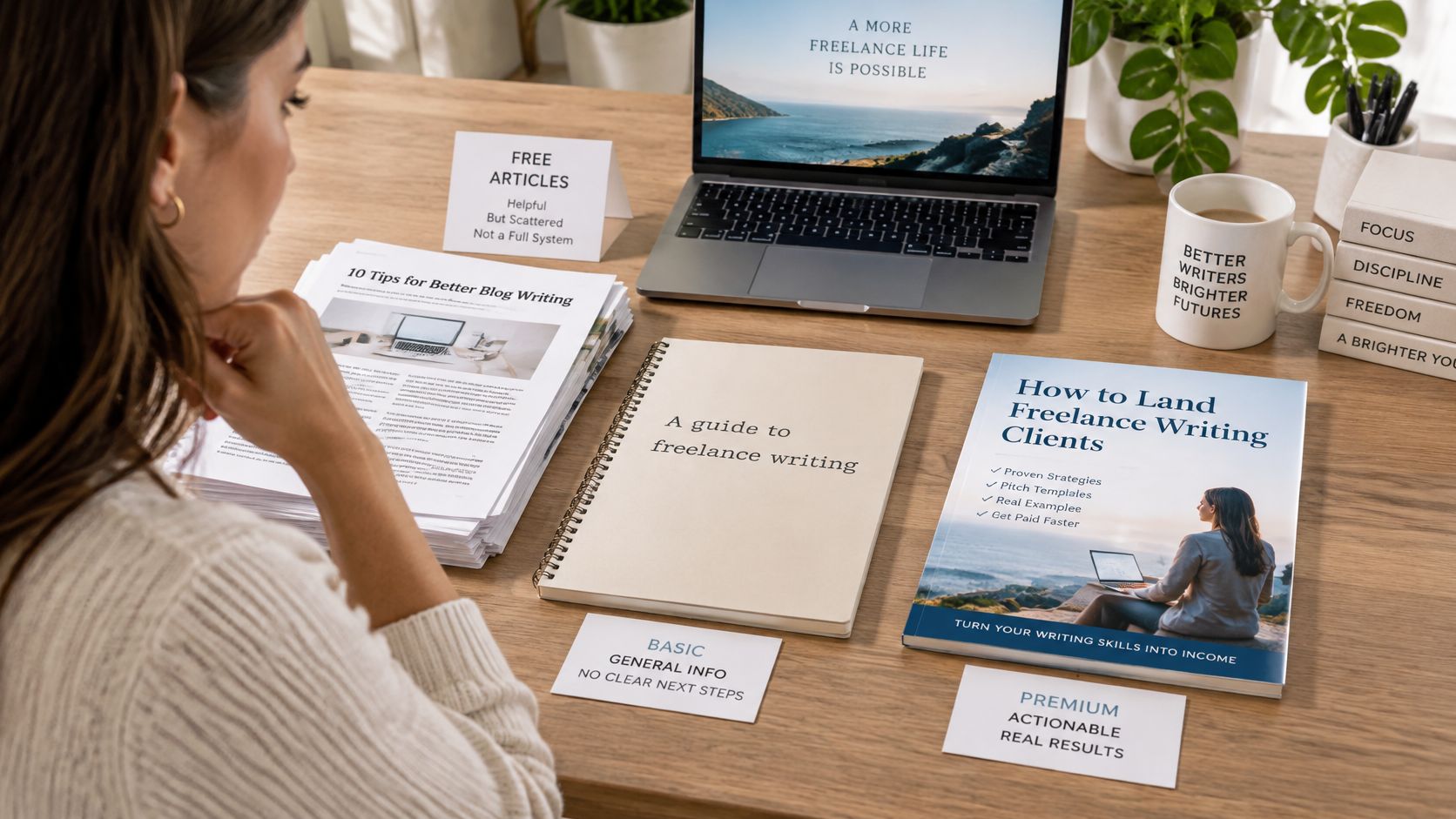
A broad topic is hard to sell because free articles and AI summaries already cover it. Compare "A guide to freelance writing" with "A 30-day plan to win your first three freelance clients." The first asks a buyer to guess what they'll get. The second names a reader, a result, and a timeframe they can judge before paying.
Market commentary on digital products makes the same point, that buyers still value narrow audiences, firsthand expertise, judgment, examples, and practical tools even as broad information gets easier to obtain for free, as SureCart's guide to digital products to sell argues. That guide also cites a 2023 study finding adults often read in 10 to 15 minute sessions, with focused attention commonly lasting only 5 to 7 minutes. Short sections with an exercise at the end fit that behavior better than a dense manuscript.
Three Tests Before You Write
- The 30-day result: What can the buyer do, finish, or decide within 30 days of starting?
- Only you can supply it: Which judgments, mistakes, examples, or shortcuts come from your own work rather than a generic summary?
- The tool that justifies payment: What template, checklist, script, or worked example saves the reader time or a costly error?
If you can't answer all three, narrow the audience or the result. This is also where reading about how to validate a digital product idea before you build it saves weeks, because a weak promise won't survive contact with real buyers.
Formats a small seller can finish include a short playbook, a diagnostic, a workbook, or a decision guide. Bigger isn't better here. A tight playbook a consultant finishes beats a long book that stays in draft.
The reader will do X within Y days using Z. If a chapter doesn't serve that sentence, cut it.
Write that promise sentence, put it above your outline, and test every chapter against it. That one line will also become the spine of your sales page later.
How to Write and Format the Ebook Step by Step
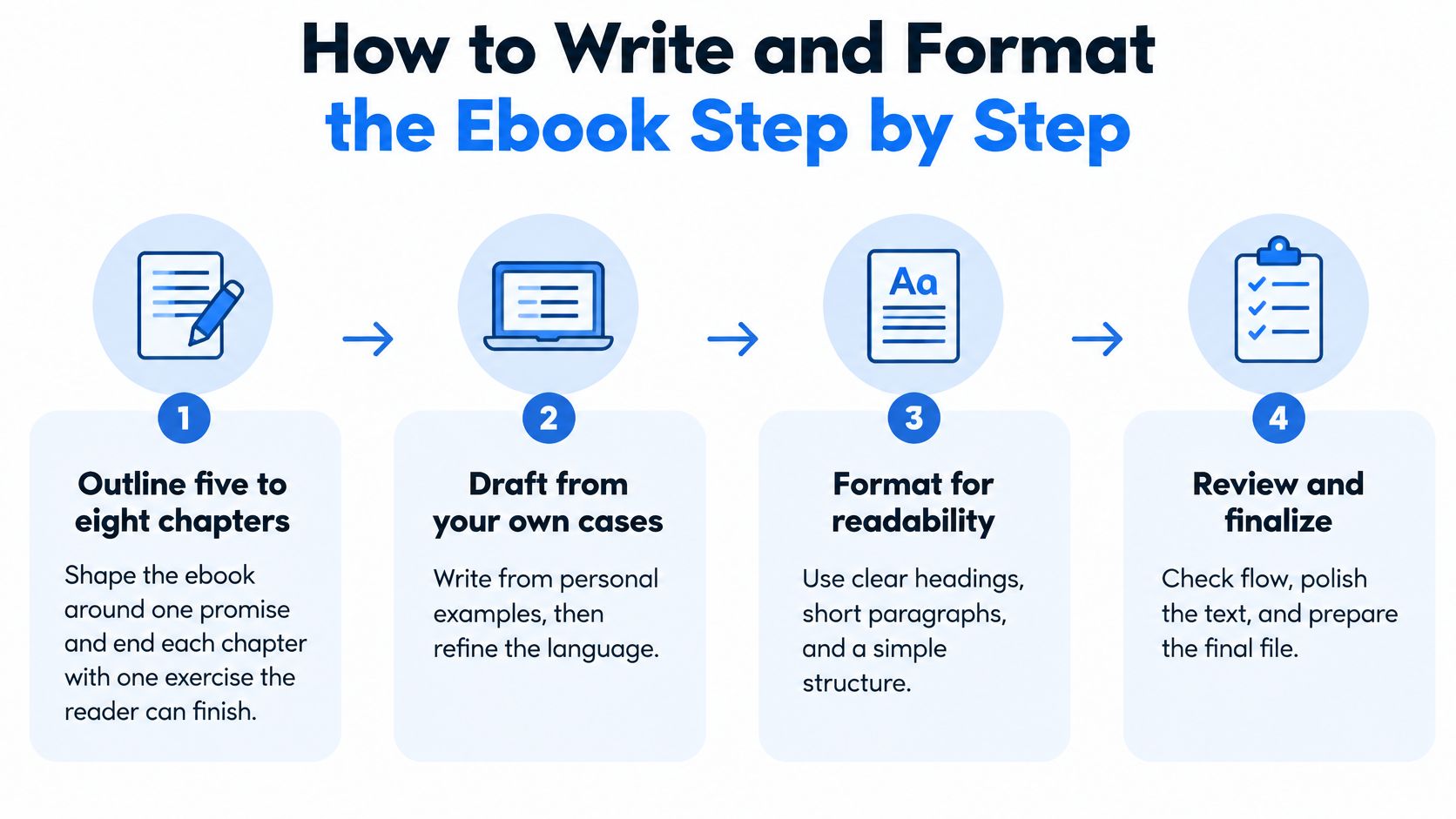
The build sequence below treats accessibility as part of production, not a cleanup job after someone complains. This four-step view shows the shape of the work before you get into detail.
An accessibility study in College and Research Libraries found 45% of surveyed students reported difficulty finding their way through the material, 36% reported difficulty printing or downloading, and 32% reported interface problems, according to the College and Research Libraries accessibility study. Those are buyer problems, not technical trivia. A file people can't use generates refunds, support requests, and poor reviews.
Steps One to Three Cover the Manuscript
- Outline five to eight chapters around the single promise, and end each chapter with one exercise the reader can finish. The exercise proves the chapter worked and gives the buyer momentum.
- Draft from your own cases, notes, or a recorded interview. Use AI tools to tidy structure if you like, but keep the judgment, examples, and wording of decisions yours, because that's what the buyer can't get for free.
- Cut any section that doesn't serve the promise. Background history and general theory are the usual suspects. If removing a section doesn't slow the reader's result, it goes.
Steps Four to Six Make the File Navigable
- Use real heading levels for title, chapter, and subsection, so the table of contents builds correctly. Proper headings let a buyer on a phone jump to chapter four in two taps instead of scrolling.
- Write descriptive link text such as "the pricing checklist" instead of "click here." A screen reader user hearing a list of links needs to know where each one goes.
- Add alt text to every image or mark purely decorative images as decorative. A chart that carries your main point is useless to a buyer who can't see it and gets no description.
The video below walks through the production side visually, which helps if you've never exported a structured ebook file before.
Steps Seven to Nine Prove It Works
- Export to a reflowable EPUB where you can, or to a tagged PDF only when the layout needs fixed pages, such as a workbook with fill-in tables. Reflowable text lets buyers resize type on any screen.
- Test on a phone and a desktop. Resize the text, check contrast in bright light, move through the file with only a keyboard, and listen to a section with a screen reader. Each test catches a different reason a buyer might give up.
- Validate with EPUBCheck, then have one outside reader finish the file cold. The validator catches structural errors. The human catches confusing instructions you'd never notice yourself.
Practical rule: The most common slip is a fixed-layout PDF that's unreadable on a phone. That single choice turns a sale into a refund.
Your readiness signal is simple. Any chapter is two taps away from the contents page, and a fresh reader can complete the first exercise without emailing you a question. Until both are true, you're not done formatting, whatever the word count says.
I would make this a pre-launch acceptance gate, not a post-sale correction. Fixing navigation after fifty buyers have downloaded a broken file costs you reissues, apologies, and trust. Fixing it now costs an afternoon.
Price It and Choose Where to Sell
| Channel | Who owns the buyer record | Fee or cut | Best when |
|---|---|---|---|
| Marketplace listing | Platform | Marketplace commission or royalty, which varies by platform and terms | You need reach and do not yet have an email list |
| Hosted storefront with direct checkout | You | Genesize takes no cut of product sales. The subscription covers the software, and Stripe processes payments | You plan to build direct customer relationships and sell more products |
| Hybrid, marketplace plus own storefront | Split, with direct customer relationships under your control | Marketplace commission on marketplace sales; no Genesize cut on direct sales, with the subscription covering the software | You want marketplace reach alongside a direct sales channel |
Choose where to sell by weighing reach against control of the customer relationship. Marketplace discoverability can help buyers find an ebook, but rankings and access to customer records remain subject to that platform's rules.
Who Owns the Buyer After the Sale
A marketplace can put your ebook in front of readers, while keeping customer records within its system. That can limit your ability to follow up directly about a corrected edition or another product. A hosted storefront gives you a direct channel, but you need to bring people to it.
A hybrid approach can combine marketplace reach with direct sales. Compare the trade-offs in this guide to where to sell ebooks before choosing your channel mix.
Sell a Continuing Outcome, Not Only a File
A useful update, worksheet, or short email course can extend the value of an ebook beyond its initial download. Keep the promise specific: explain what buyers will receive and when, then make sure you can deliver it.
Price for the result the ebook helps a buyer achieve, rather than its page count alone. A focused guide that helps with a costly decision may justify a higher price than a longer general overview. Compare an ebook-only offer with a bundle that includes practical resources, and use the results to refine your offer.
Before launch, calculate the costs for each channel at your planned price. Include any marketplace commission, payment processing, and the cost of the software you use. Genesize takes no cut of product sales; the subscription covers the software, and sales revenue belongs to the creator.
Set Up Delivery, Access and Follow-Up Emails
A buyer who's just paid has one question. Where's my file? Everything in this setup answers that question fast, then answers the next one, which is what to do first.
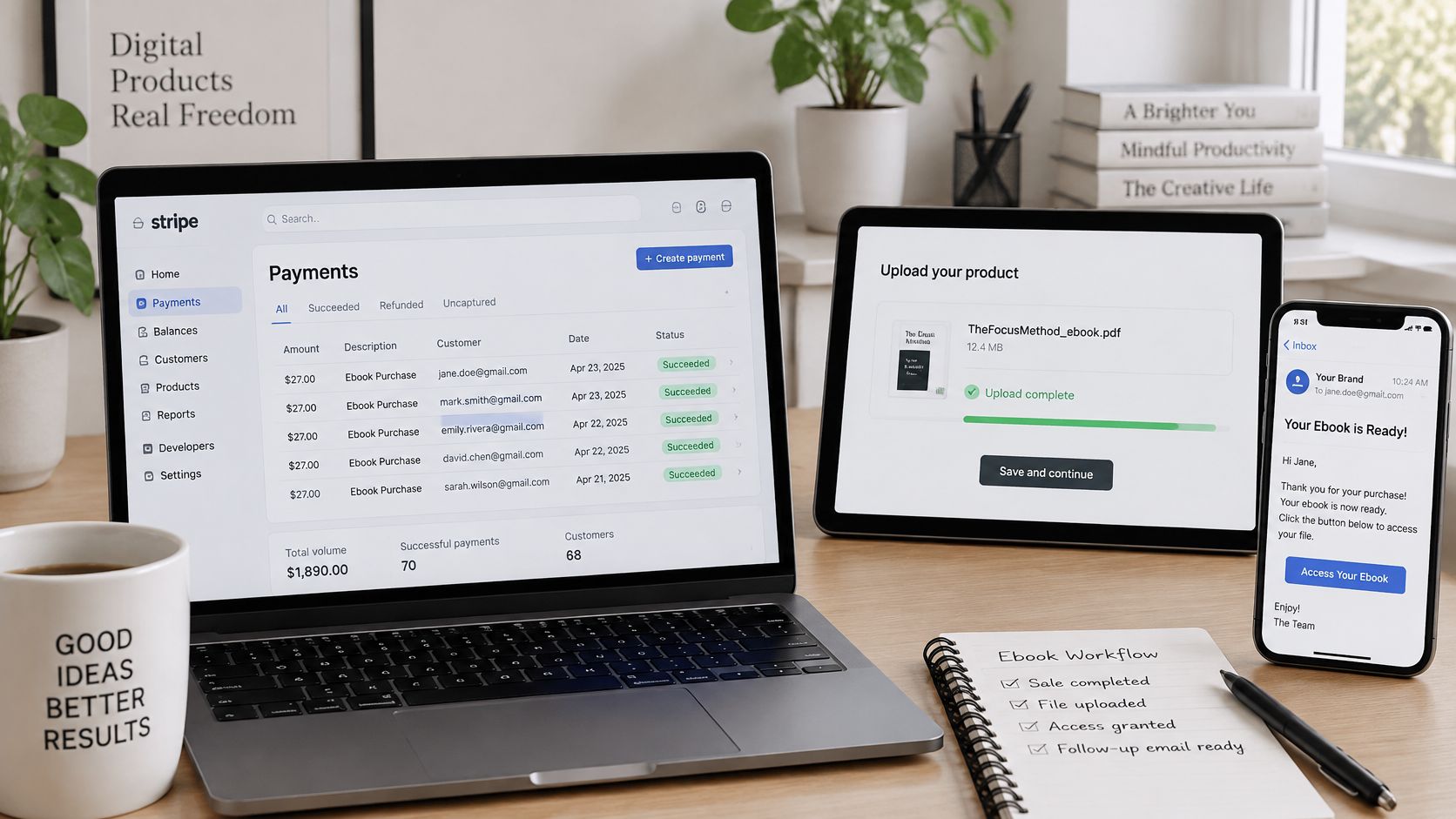
Connect payment first. We use Stripe to process payments for product sales, and buyers receive access after they pay. Upload the final validated file, not a draft, and set buyer access so the download link arrives straight after payment. New sellers sometimes misunderstand what a digital download is from the buyer's side, so test the full path yourself on a phone.
The Delivery Message and Your Responsibilities
Write the delivery message in plain steps. Say where the file is, how to open it on a phone, and who to contact if the link fails. Name the file format in the message so a buyer with an e-reader isn't guessing which version to pick.
Put your refund policy and tax position on the sales page before launch. You're responsible for the products you publish and sell, including customer contracts, refund terms, taxes, accessibility, and fulfillment, whatever platform handles the checkout. Hiding refund terms doesn't prevent refund requests. It just makes them angrier.
The Emails That Follow the Purchase
Send a welcome email within minutes that repeats the promise and links straight to the first exercise. The buyer is most motivated right after paying, and your job is to get them to a small win before that motivation fades.
Then add two or three follow-ups timed to likely progress. A check-in after the first chapter, a prompt to use the main template, and a later note about the update or a related product covers most needs. Time them to reading pace, not to an arbitrary daily drip.
The common mistake is sending the file with no email at all. The buyer isn't sure the purchase worked, can't find the link later, and files a refund or a chargeback instead of asking you. Silence costs more than a short email.
Before anyone joins your list, capture explicit opt-in at checkout or on the sample page, store the consent source as a tag, and tie the sequence to that consent. Permission-based follow-up protects your sender reputation and keeps you on the right side of the buyer.
Run a Pre-Launch Checklist Before You Publish
This gate comes before any promotion. Work through it in order and don't announce a launch date until every item passes.
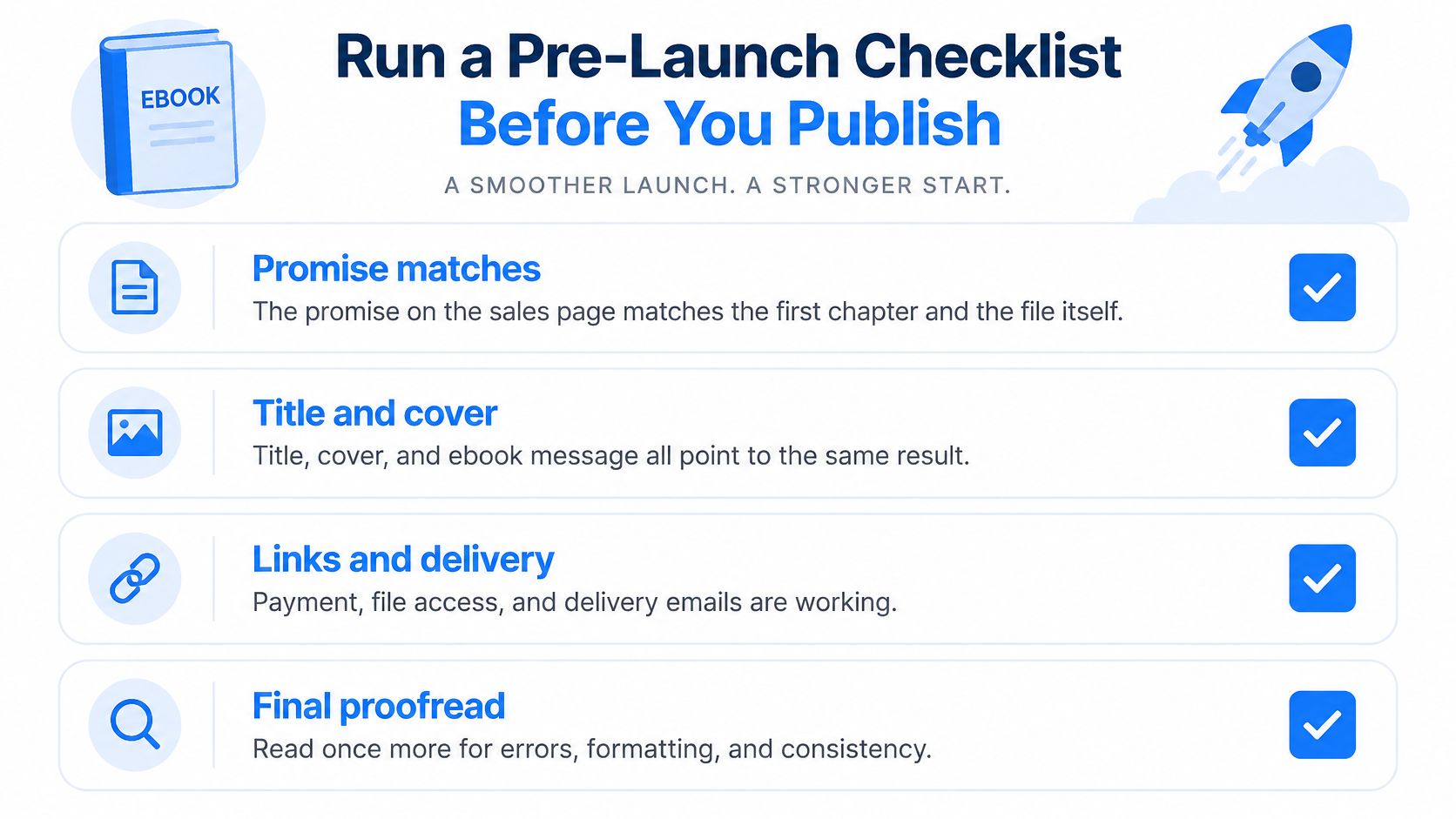
- Promise matches the file: The outcome on the sales page is the outcome chapter one starts delivering. A mismatch here drives early refunds.
- Metadata tells one story: Title, subtitle, description, keywords, sample pages, and cover all express the same result for the same reader.
- Accessibility checks passed: Navigation, resizing, contrast, keyboard access, and alt text verified on phone and desktop.
- One test purchase completed: You bought your own ebook, the delivery email arrived, and the file opened correctly on at least two devices.
- Terms are visible: Refund and tax wording sits on the sales page where a buyer sees it before paying, not buried after checkout.
- Emails are ready: Welcome and follow-up messages are drafted, timed, and linked to the first exercise.
You can build a sales page, connect a Stripe account, and check the buying steps before going live, so there's no excuse for discovering a broken checkout from a customer. Our process runs in six steps, from your own ideas through an editable draft, the product's look, buyer payment and access, follow-up, and seeing orders and sales. That sequence mirrors this checklist for a reason.
Launch to a small group first. Fix what they report, then open the sale to everyone.
A soft launch to past clients or a short list surfaces the broken link and the confusing chapter while you can still fix them. I'd rather hear about a corrupt file from five friendly buyers than from a public review.
Launch Promotion and Metrics to Track
Start with people who already know your work. An existing list, past clients, or readers of a free sample chapter will give you cleaner early signals than cold traffic. Publish the sales page with the promise at the top, a visible sample, and one clear buying step.
Treat the launch as a metadata and funnel experiment rather than a one-time upload, and watch for incomplete or inconsistent metadata, reader-misaligned descriptions, and weak subject classification, as Publishers Weekly's guide to stronger digital sales advises. That means recording a baseline before you change anything, then testing one variable at a time.
| Metric | What it tells you | How to compare it |
|---|---|---|
| Page visits | How many people reach the sales page | Compare sources over the same number of days |
| Sample or download clicks | Interest before the buying decision | Divide by page visits to see the rate |
| Checkout starts | Intent to buy after the promise is read | Divide by sample clicks to find the drop-off point |
| Completed purchases | Actual sales from each source | Compare against checkout starts over the same period |
| Refund rate | Whether the promise matches the file | Track per product and per source |
| Email opt-in rate | How many visitors join your list | Compare with sample clicks to judge the offer |
| Revenue per visitor by channel | Which source is worth the effort | Compare channels with the same traffic size |
How to Read What You Collected
Measure revenue per visitor by source, because aggregate sales hide which channel is doing the work. Say a guest post sends fewer visitors than a social post but twice the purchases. Aggregate numbers call them equal contributors. Revenue per visitor tells you to write more guest posts.
Change one thing per test, whether that's the headline, the cover, the price, or the welcome email timing. Hold everything else constant and don't declare a winner from a tiny sample. A handful of visits can swing either way by chance.
If sample clicks are healthy but checkout starts drop, the promise or price needs work. If purchases hold but refunds climb from one source, that channel is attracting the wrong reader or overselling the result. Each metric points at a different fix, so don't just chase more traffic.
Your first launch sets the baseline for this product. There's no universal conversion rate worth chasing, so aim for relative improvement on the next test, especially in metadata completeness, reader-focused copy, and follow-up timing. That's a target you control.
If you've got expertise sitting in notes and client work, Genesize can help you turn it into an ebook, build the sales page, take payment through Stripe, deliver the file, and send the follow-up emails from one workspace. Start with your promise sentence, build the short version, and get your first test purchase working this week.