10 Best Software to Create Ebooks in 2026
Compare the best software to create ebooks in 2026: features, pricing, exports, and ideal use cases for writers, designers, and creators selling online.
Your manuscript is sitting in a Word file. The chapters are done, the cover isn't, and there's no EPUB, no PDF that looks finished, and no way for a reader to pay you. Shopping for the best software to create ebooks at that point usually means scrolling template galleries that don't match the gap in front of you.
That gap is a stage. Drafting, design, formatting, and selling are different jobs. A layout app won't capture your method. A writing app won't run checkout. Ranking every tool on a single score hides which stage is slowing you down.
The reading side rewards a flexible file. Pew Research Center reported that 31% of U.S. adults had read an ebook in the previous 12 months in 2025, up from 17% in 2011, while 64% read a print book and 26% listened to an audiobook. A file that only looks right on your laptop will fail a phone.
Supply is crowded too. Publishers Weekly reported that self-published print and ebook output grew by more than a third from 2024 to 2025. A clean export still leaves you with a product nobody can buy if selling is the stall.
I group the ten tools below by the stage they close. Match the output format and the pricing model to your route, including whether you need to sell the file yourself.
1. Genesize
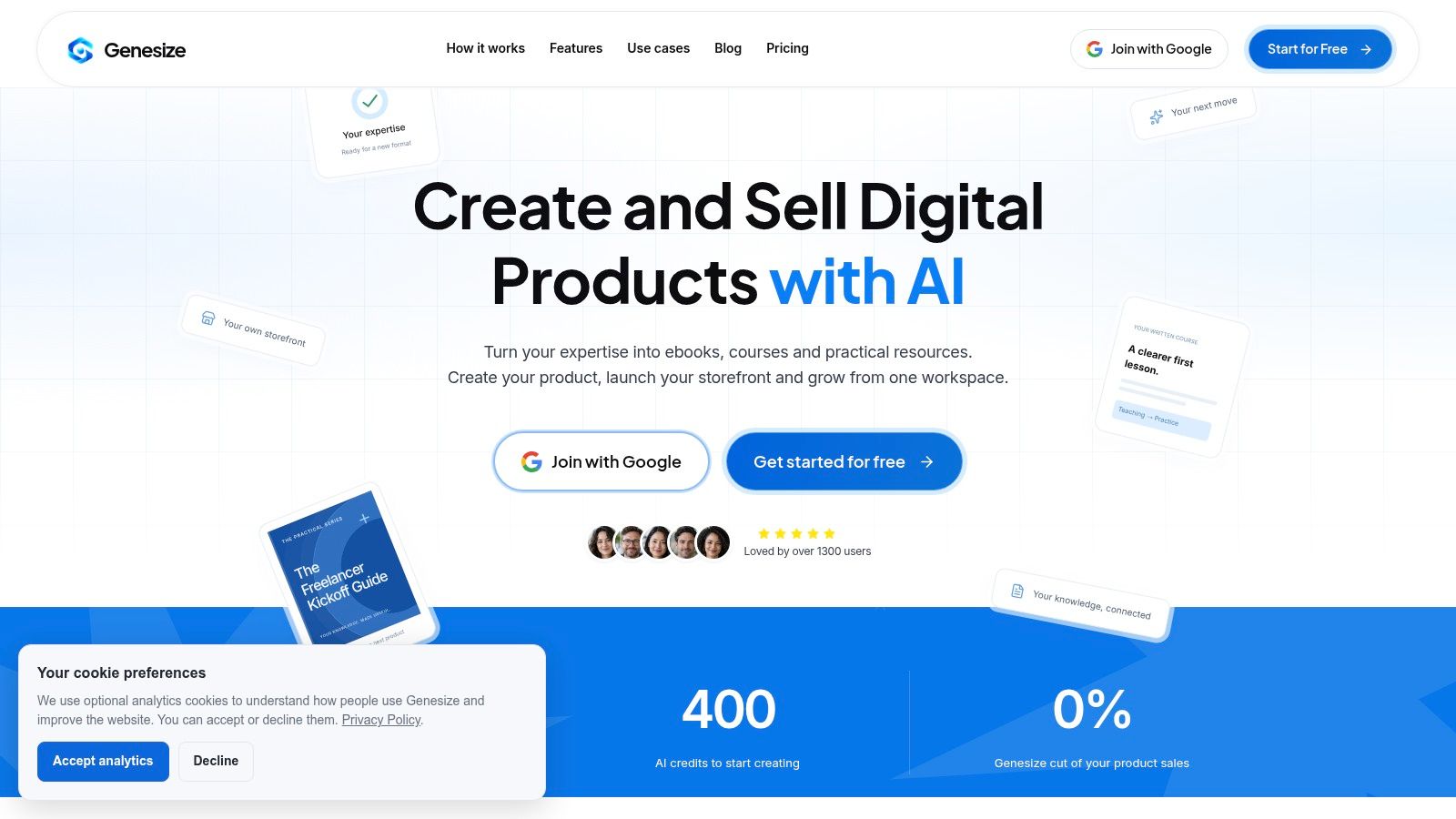
Genesize covers the stage after the draft exists in your head but not as something a buyer can pay for. Creators, educators, coaches, and small businesses use one workspace to turn expertise into an ebook or written course, then sell it without stitching together a separate store, email tool, and customer list.
From Your Notes to a Product You Can Sell
You bring notes, methods, examples, and writing samples into an Expertise Library, or you answer an AI interview that captures what you do. The process runs six steps inside one workspace: start with your own ideas, finish a draft you can edit, give the product its own look, let buyers pay and get access, follow up with interested people, and see orders and sales. You change the design by hand, build a sales page from the product's existing content, connect Stripe, and check the buying steps before you go live. Buyers pay once on a hosted storefront and get the file. Genesize takes no cut of product sales. The subscription covers the software, the sales revenue is yours, and Stripe still processes the card.
Export is PDF or Word, so you can also sell the same product on another channel. Manual edits, design changes, and exports use no AI credits, which means your monthly allowance goes toward drafting, rewriting, and generated sales or email copy rather than upkeep.
- Creator plan: $58 USD per month after the trial, with 10 saved product projects and 2,500 AI credits per month, plus CRM tags, audience segments, email campaigns with automated follow-ups, and an AI Growth Agent whose next-step ideas you review before choosing.
- Trial limits: 14 days, 400 total AI credits, and up to three saved projects. There is no permanent free plan.
- What you see after launch: Creator and Business plans include a dashboard for views, orders, and revenue, and contacts can be grouped so emails go to the right people.
Practical rule: If your stall is checkout, delivery, and the next email, don't buy another formatter first. If your stall is novel-length prose or print-shop typography, this isn't the typesetting desk you want.
Communities and paid memberships are planned, not available yet.
2. Canva
Canva is the design stage. It is the tool you open when the words already exist and the ebook has to look like a branded guide, workbook, or lead magnet by the end of the afternoon.
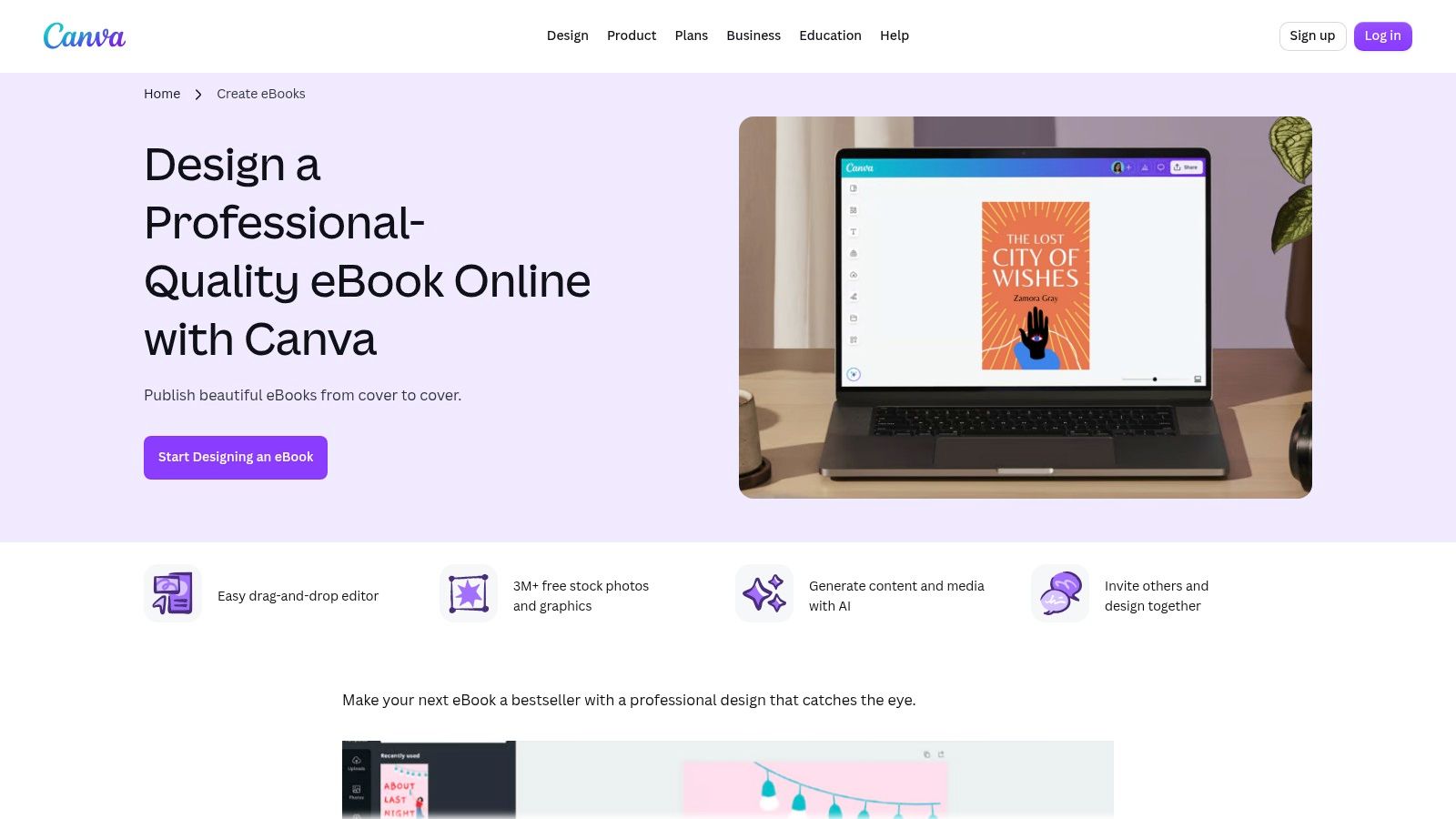
You work in the browser. Ebook templates and a drag-and-drop editor let you drop in brand colors, fonts, images, and simple graphics without learning a publishing suite. Collaboration and sharing are built in, and AI tools can help with copy and media. A free plan is enough to test whether a template fits your offer. Some assets and features sit on a paid plan.
The output that Canva does well is a fixed-page PDF. That file is a strong lead magnet and a weak phone novel. Text doesn't reflow the way a retailer EPUB does, so a dense page becomes a pinch-and-zoom chore on a small screen. It also isn't the path I'd pick for a conventional reflowable book you intend to upload everywhere.
If you're still choosing how the whole product gets built and sold, compare that PDF-first path with a digital product tool that starts from your method instead of a blank canvas. Start at Canva's ebook templates when the job is visual polish, then export and read the PDF on your phone before you call it done.
3. Atticus
Atticus is formatting plus a writing desk. One project holds the manuscript, the chapter structure, and the files you need for ebook and print.
You write or import, apply book themes, and export EPUB and PDF from the same project. It runs in the browser and as a progressive web app, and the vendor says it works on Mac, Windows, Linux, and Chromebook. Writing goals sit next to the chapters, which helps if you are still finishing the draft while you learn the layout. The license is a one-time purchase, not a monthly subscription. That math favors authors who will format more than one book.
It is a weaker fit for art-directed marketing pages where every spread is a poster. You also pay even if the ebook is a short guide you might have formatted for free elsewhere. Themes won't save a messy source file. Preview the EPUB in a real reading app and check the print PDF at the trim size your printer expects before you upload.
Finished files still need a human pass against the retailer's rules. A clean theme is not the same as a valid package.
Details and the current license sit on the Atticus site.
4. Reedsy Studio
A clean manuscript can still fail at export, and Reedsy Studio is built for that formatting bottleneck when the book is mostly words and the budget is zero. It runs in a browser, so you plan, draft, invite collaborators, and shape the file without installing desktop publishing software.
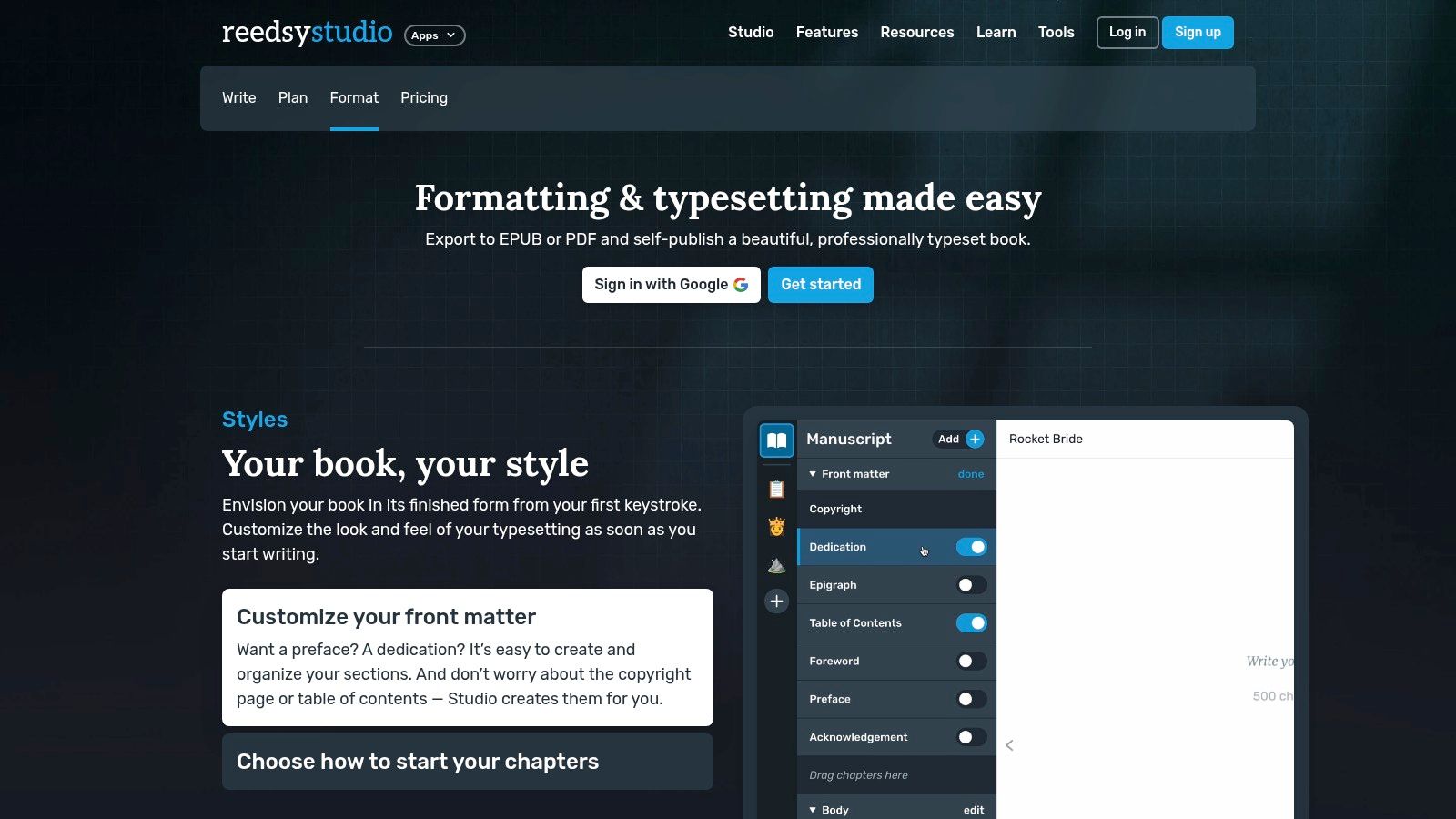
The workflow suits straightforward nonfiction or a narrative draft: chapter organization, front matter, a table of contents, formatting themes, then reflowable EPUB and a print-ready PDF. Core writing and formatting are free, and all you need is a Reedsy account and a browser. The trade-off is control. Compared with a full layout app, design options are simpler, so illustrated workbooks and heavy infographics will fight the templates.
Treat the EPUB as an accessibility job, not a theme choice. France's regulator reported in Arcom's overview of accessibility in ebooks published in 2025 that more than 45,000 ebooks were published in 2025, nearly 11,000 were subject to accessibility requirements, and more than half used resizable EPUB. Resizable text lets readers enlarge type, use text-to-speech, and adjust contrast, but a free exporter only helps if you add real headings, alt text, and language metadata yourself.
Reedsy covers writing and formatting, so use a separate route for checkout, email follow-up, or a sales page if you sell the file yourself. Check Reedsy's terms of use before you use the tool for a paid client project. Start at Reedsy Studio.
5. Vellum
Vellum is a Mac app that formats book interiors. It isn't a store, and it isn't a general writing platform. You import a manuscript, pick a style, preview the ebook, and generate files when the interior looks right.
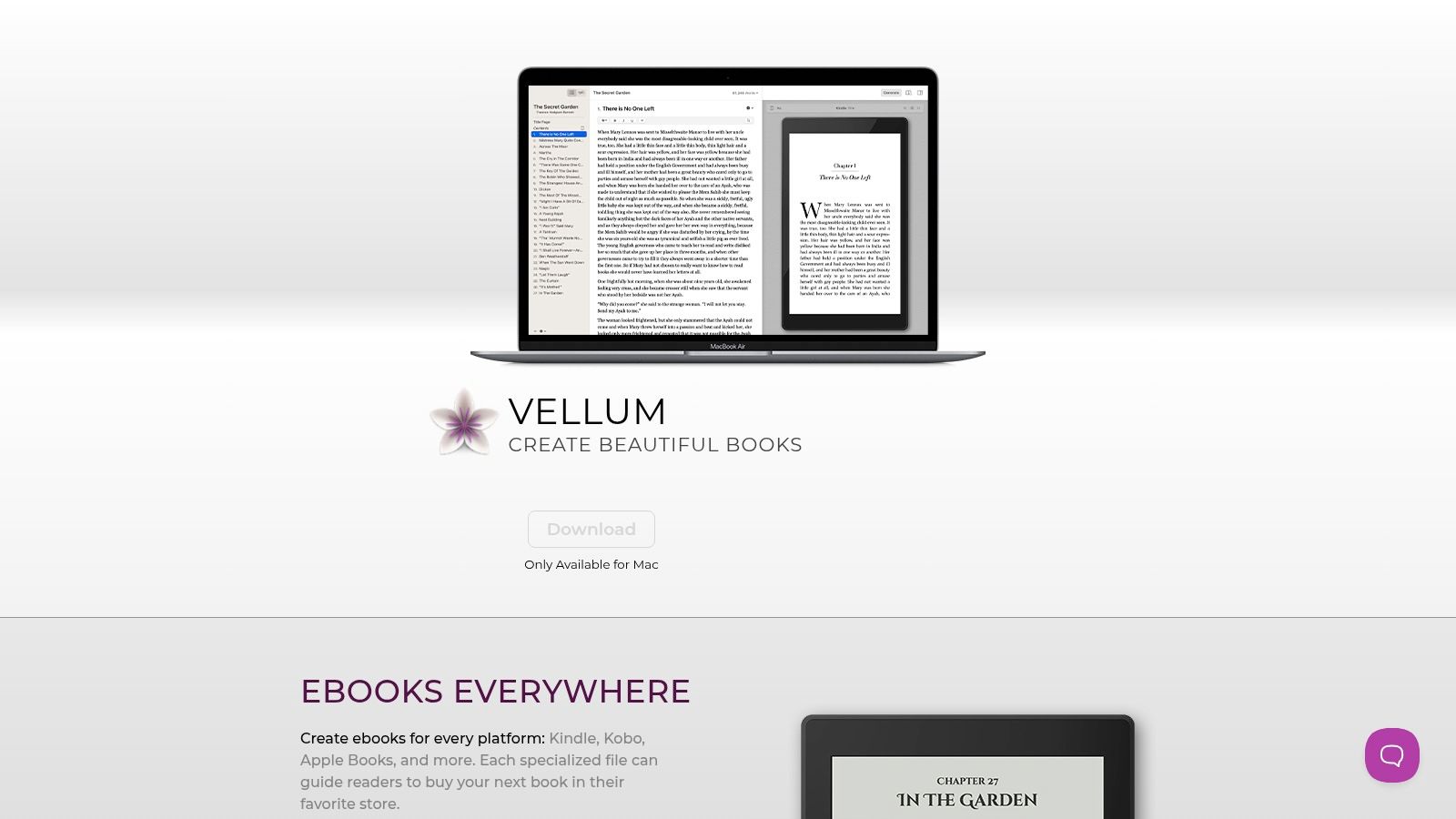
Preview before you buy the export license is the feature that earns the price conversation. You can see the book on ebook device previews, then pay once for ebook output or for ebook plus print. After that, you can revise and regenerate. Typography is the point. If you care how chapter openers, scene breaks, and body text feel in a novel or a clean nonfiction book, this is the stage to spend money on.
The limits are blunt. You need a Mac. The license is a real upfront cost for a single short ebook. There is no checkout, no email list, and no cover studio. Price the book in a separate pass. This ebook pricing guide is the decision Vellum will not make for you. The app itself is at Vellum.
6. Adobe InDesign
InDesign is the layout stage for people who already think in pages, styles, and linked images. Magazines, designed reports, and books with a fixed visual system belong here more than a 40-page advice guide does.
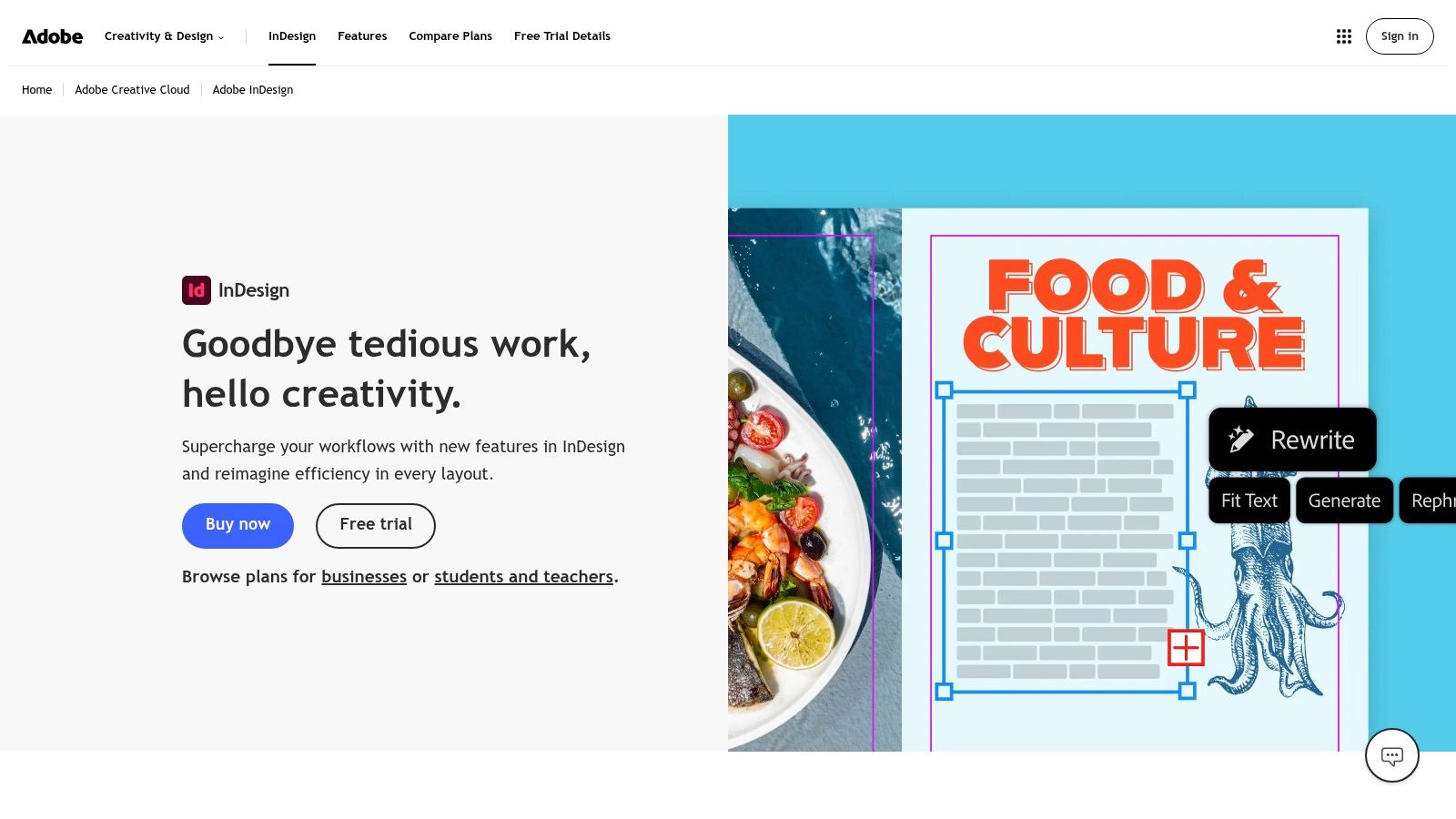
You get precise control over type, images, and master pages, plus export to reflowable EPUB and fixed-layout EPUB. Interactive elements and the rest of the Adobe font and app stack help if a designer is already in that ecosystem. The same file can feed a print-oriented PDF and a digital edition, which is the right split when the page design is the product.
The cost is time and a subscription. There is no permanent standalone license. Beginners lose days to styles and export settings that a template tool hides. For a short, text-only ebook, that control is wasted.
EPUB 3 is the technical bar if you care about more than a pretty PDF. The EPUB 3.4 specification describes support for complex layouts, rich media, interactivity, and global typography, with a navigation document and packaging rules so reading systems can open the file. InDesign can produce that package. It will not check your headings for you. Validate the EPUB and read it with a screen reader before you ship. The app is Adobe InDesign.
7. Designrr
Designrr starts from content you already published. Blog posts, Word files, Google Docs, and web pages go in. Some plans also take PDFs. The job is repackaging, not writing the method from a blank page.
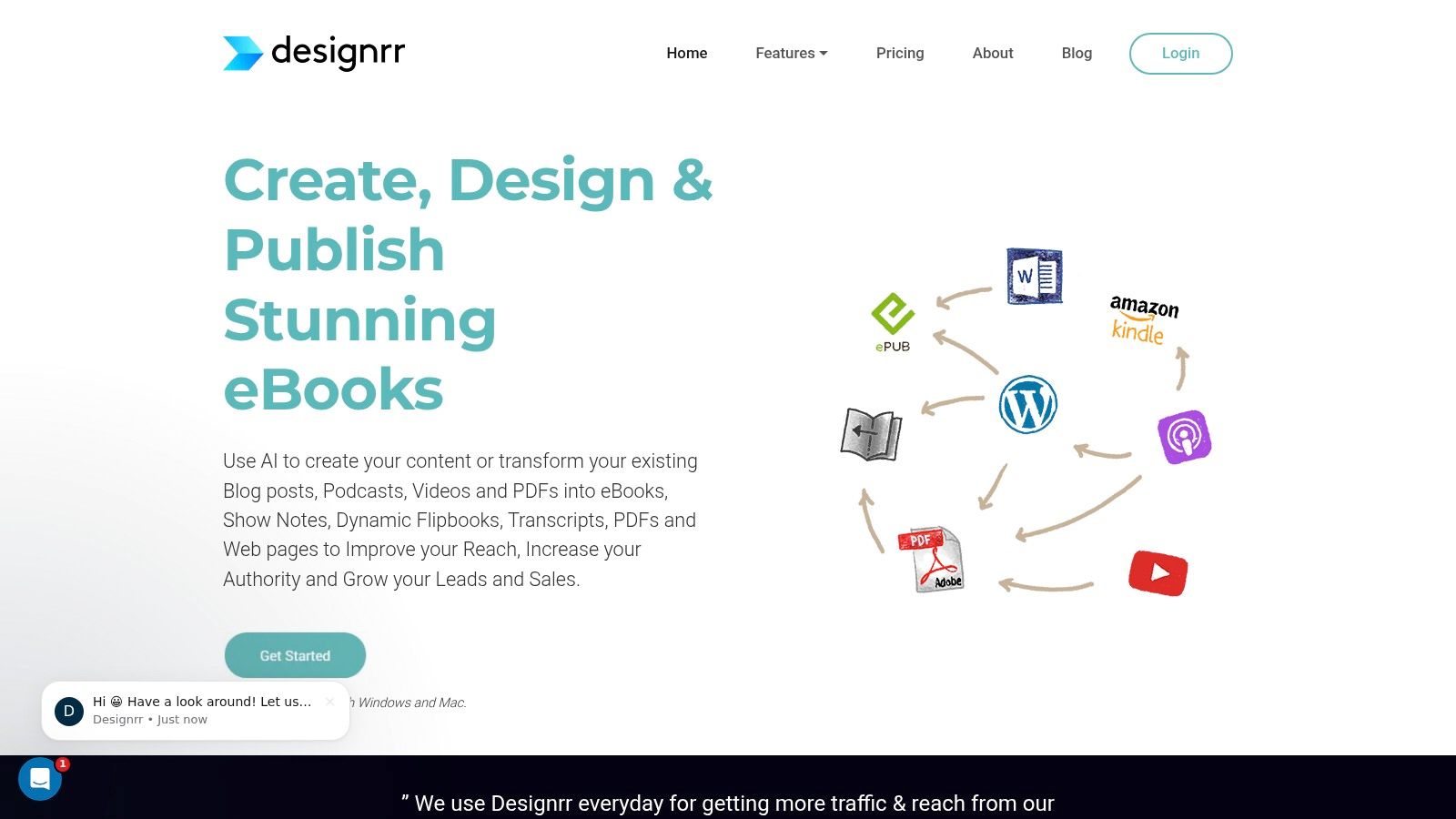
Templates, a table of contents, and page numbers get you to a designed ebook faster than rebuilding every page by hand. Higher tiers add formats beyond a basic PDF, including plan-dependent EPUB and Kindle export. That tier split is the part people miss. The homepage can look like every plan exports every format. It doesn't. Check the tier before you subscribe.
Listed plans are subscriptions, so a one-off lead magnet can cost more than a one-time formatter if you cancel late. Imported copy still needs an edit. A blog post that ranked last year can be wrong, thin, or full of links that don't belong in a paid guide. Fact-check and cut before you trust the template. The product site is Designrr.
8. Visme
Visme is a visual-content platform whose ebook maker targets business, education, and marketing pieces. Think branded reports, training handouts, and client guides, not a novel interior.
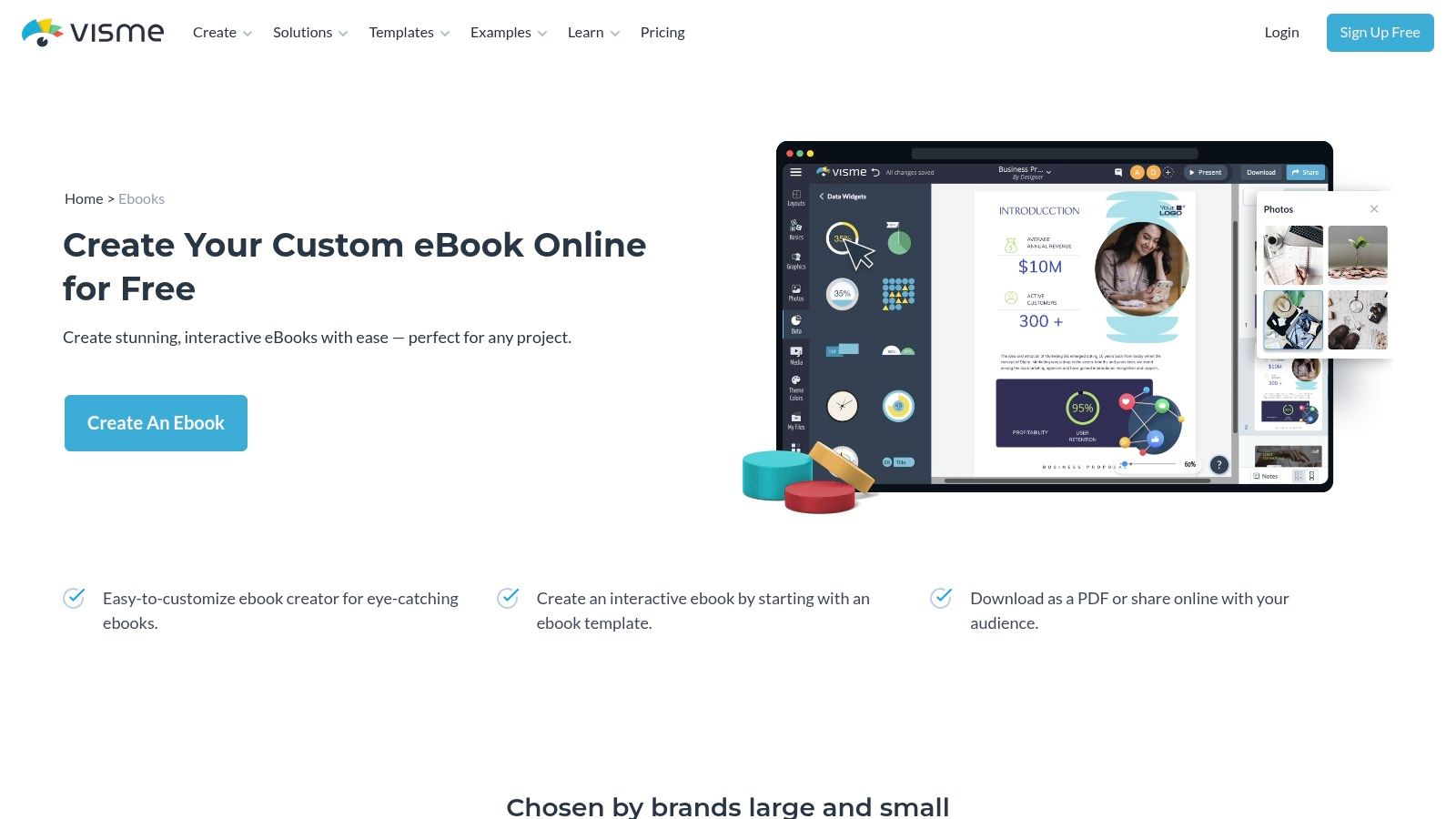
Multi-page templates, charts, and data displays are the reason to open it. You can publish a shareable online version and download a PDF. Eligible plans add a Brand Kit and collaboration, which helps a small team keep colors consistent across a launch. A free plan lets you test the editor. Downloads, some assets, and brand controls move to paid tiers.
This is designed-document software, not a traditional EPUB production line. If the buyer must read the file in Apple Books or Kobo with reflowing text, confirm the export before you build twenty pages inside a template. An individual author can also drown in team features they will never use. For a data-heavy guide that lives as a PDF or a link, start at the Visme ebook creator.
9. Scrivener
Scrivener is the drafting stage for a long or messy project. It is a writing and research desk, not a drag-and-drop design tool and not a cover app.
Chapters, notes, and research live in one project. When the manuscript is ready, Compile can export EPUB, PDF, and other formats. Desktop licenses for Mac and Windows are a one-time purchase, and there is a trial on both. An iOS app exists if you draft away from the desk. That structure pays off when a book has research folders, discarded scenes, and a moving outline. It is more machinery than a 15-page checklist needs.
Compile is the part that slows people down. Settings for front matter, scene separators, and headings take a patient afternoon. The exported EPUB is a manuscript conversion, not a designed marketing PDF. Plan on a second tool if the final file must look like a workbook. The product page is Scrivener.
10. Kindle Create
Kindle Create is Amazon's free desktop app for books that will live on Kindle Direct Publishing. The job is Kindle preview and Kindle packaging, not a multi-retailer catalog.
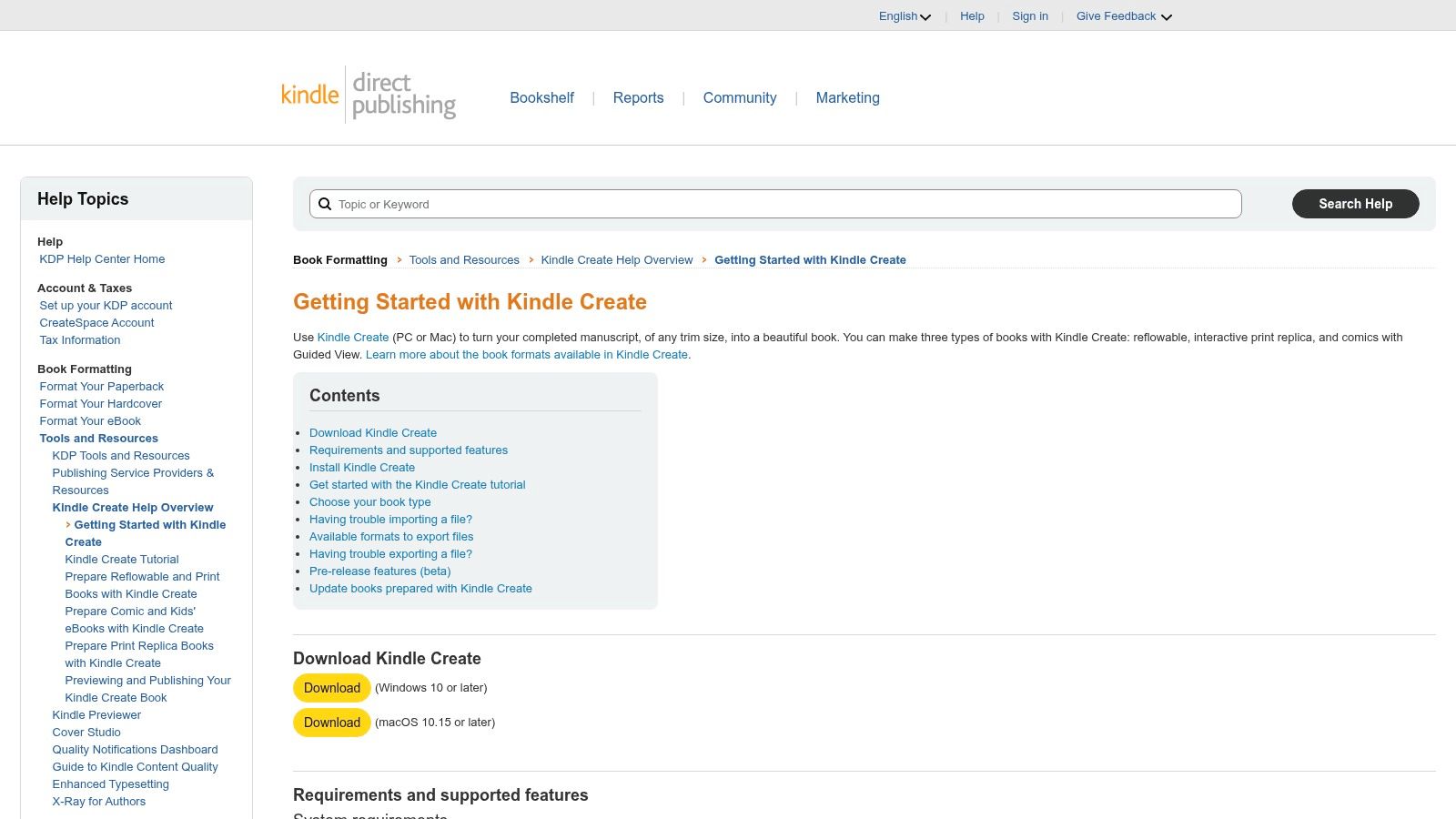
You can build reflowable books from text-heavy manuscripts, plus print-replica ebooks and comics. Themes, chapter detection, a table of contents, and a Kindle preview are included. The price is zero, and the learning curve is short if KDP is your only store.
Amazon's own documentation treats publishing outside Kindle as unsupported. Cover formatting isn't part of the app. Complex tables, some lists, and footnotes are limited, so a workbook can break in preview even when the Word file looked fine. Storefront rules differ from the file you upload. The European Commission's accessible-publishing guidance notes that Amazon Kindle does not directly support EPUB and instead uses proprietary Kindle formats. Keep a clean EPUB for other shops, and treat the Kindle package as a separate export. If KDP isn't your only route, read where to sell ebooks before you lock the interior to one previewer. Download it from Kindle Create's KDP help page.
How the 10 ebook tools compare on use case, output, pricing, and free options
| Item | Best for | Ebook output | Pricing model | Free option |
|---|---|---|---|---|
| Genesize | Creating and selling expertise-based digital products in one workspace | PDF, Word | $58/month Creator plan; 0% sales commission, Stripe fees apply | 14-day trial with limited AI credits and projects |
| Canva | Designing branded, visual ebooks and guides | Free and paid plans | Free plan available | |
| Atticus | Writing and formatting ebooks and print books | EPUB, PDF | One-time purchase | No free option listed |
| Reedsy Studio | Drafting and formatting text-led books | EPUB, print-ready PDF | Free core features | Free |
| Vellum | Formatting book interiors on Mac | EPUB | One-time license | Preview before purchasing an export license |
| Adobe InDesign | Creating complex, highly designed publications | Reflowable and fixed-layout EPUB | Subscription | No permanent free option listed |
| Designrr | Turning existing content into ebooks | PDF; EPUB and Kindle formats vary by plan | Subscription | No free option listed |
| Visme | Creating branded business and educational materials | PDF, online version | Free and paid plans | Free plan available |
| Scrivener | Organizing and writing long-form books | EPUB, PDF | One-time desktop purchase | Trial available |
| Kindle Create | Preparing books for Amazon KDP | Kindle formats, including reflowable and print-replica ebooks | Free desktop tool | Free |
Match Your Tool to Your Bottleneck Before You Buy
Write down the one step holding the ebook back. If the sentences aren't there yet, you need a drafting desk such as Scrivener or Reedsy Studio, not another cover template. If the words are done and the pages look amateur, Canva or Visme will get a branded PDF out faster. If a retailer must accept a reflowable book, Atticus, Vellum, InDesign, or Kindle Create is the formatting stage, and each one locks you into a different machine, price, and store.
Selling is its own bottleneck. A perfect EPUB still sits on your hard drive until a storefront, a price, and a delivery step exist. That's the stage an all-in-one product workspace is for, and it's the wrong stage to solve with a typesetting license.
Test the export on one real chapter before you pay for a year. Open the EPUB in a mainstream reading app. Open the PDF on a phone. Click the table of contents. Check images, footnotes, and links after conversion, not only in the editor. Fixed-layout PDFs suit workbooks. Reflowable EPUBs suit readers who change type size.
Accessibility is part of that test, not a polish pass you add after launch. The W3C's EPUB Accessibility and European Accessibility Act mapping explains that the European Accessibility Act was enacted on June 27, 2019, with relevant requirements applying from June 28, 2025, and that it covers ebooks, reading software, DRM software, and related e-commerce. The same mapping expects structured headings, a meaningful reading order, text alternatives, and discoverable accessibility information. A tool that only offers visual templates will not do that work for you.
Revenue context belongs next to the route you pick, not next to a feature grid. Figures attributed to U.S. publishing-industry data, as cited by Best Laser Printers' book publishing statistics, show U.S. ebook revenue increased 1.5% to $2.1 billion in 2024. A growing category doesn't mean every export format sells. Match the file to the shop, then commit to the subscription or the license.
If your real stall is turning a method into an ebook and selling it without a pile of separate apps, we draft from your notes and an AI interview, then host the storefront, Stripe checkout, delivery, and follow-up in one workspace. You can still export PDF or Word and sell the file somewhere else. Start with the chapter you already have and see the path on Genesize.