10 Affiliate Programs for YouTube Creators in 2026
Compare 10 affiliate programs for YouTube creators, with commission models, best-fit video topics, and honest limitations to check before you apply.
You just finished a 20-minute tutorial on editing. The product sits on screen for half the video, the description has a link, and the affiliate tab is still empty the next day. That wait is normal, and it is also where a lot of creators misread the deal. Some programs pay for one sale. Some pay only while a referred customer stays subscribed. Some will not credit anything until you qualify.
Affiliate programs for YouTube sit next to, not inside, ad revenue. You earn when a viewer buys through a tracked link or code. The YouTube Partner Program is a different check. YouTube says it paid creators, artists, and media companies $100 billion from January 2021 through December 2024. That number is not affiliate income. It only shows how large the wider creator economy already is.
Purchase intent beats raw views. A tight channel about a tool people already want to buy can beat a bigger entertainment channel with almost no commercial fit. In 2024, creator earnings from affiliate marketing were forecast to exceed $1 billion, with 22.6% year-over-year growth, according to eMarketer as reported by Business Insider. Treat that as a forecast for that year, not a rate card for your channel.
Below are ten programs grouped by the videos they fit and the way they pay. I would open the current terms before you promise a percentage on camera, because partner tiers and cookies move.
1. Kit
Kit, formerly ConvertKit, belongs in videos about newsletters, course launches, and the audience you keep after YouTube. Viewers who want an email list can see the product in a setup tutorial. Entertainment audiences usually cannot.
The Kit affiliate program lists 50% commission for the first 12 months, with more recurring commission if you reach qualifying status levels. Links, reporting, and promo assets run through PartnerStack. Pay is recurring, not a one-time bounty, and only for as long as the referred customer stays and your status allows.
What usually cuts the check short:
- Status gate: The higher recurring rate is not the default. If you never qualify, you earn the entry terms only.
- Audience mismatch: A vlog viewer who will never send email will not convert, no matter how clean the demo is.
- Stale rates: Terms move. Read the live page before you say a percentage on camera.
I would use Kit when the video already walks through a welcome sequence or a launch email. A random "link in description" on an unrelated video wastes the cookie.
2. Teachable
Teachable pays you for sending course creators, not their students. A video about teaching, curriculum, or a first launch is the fit. A gear review is not.
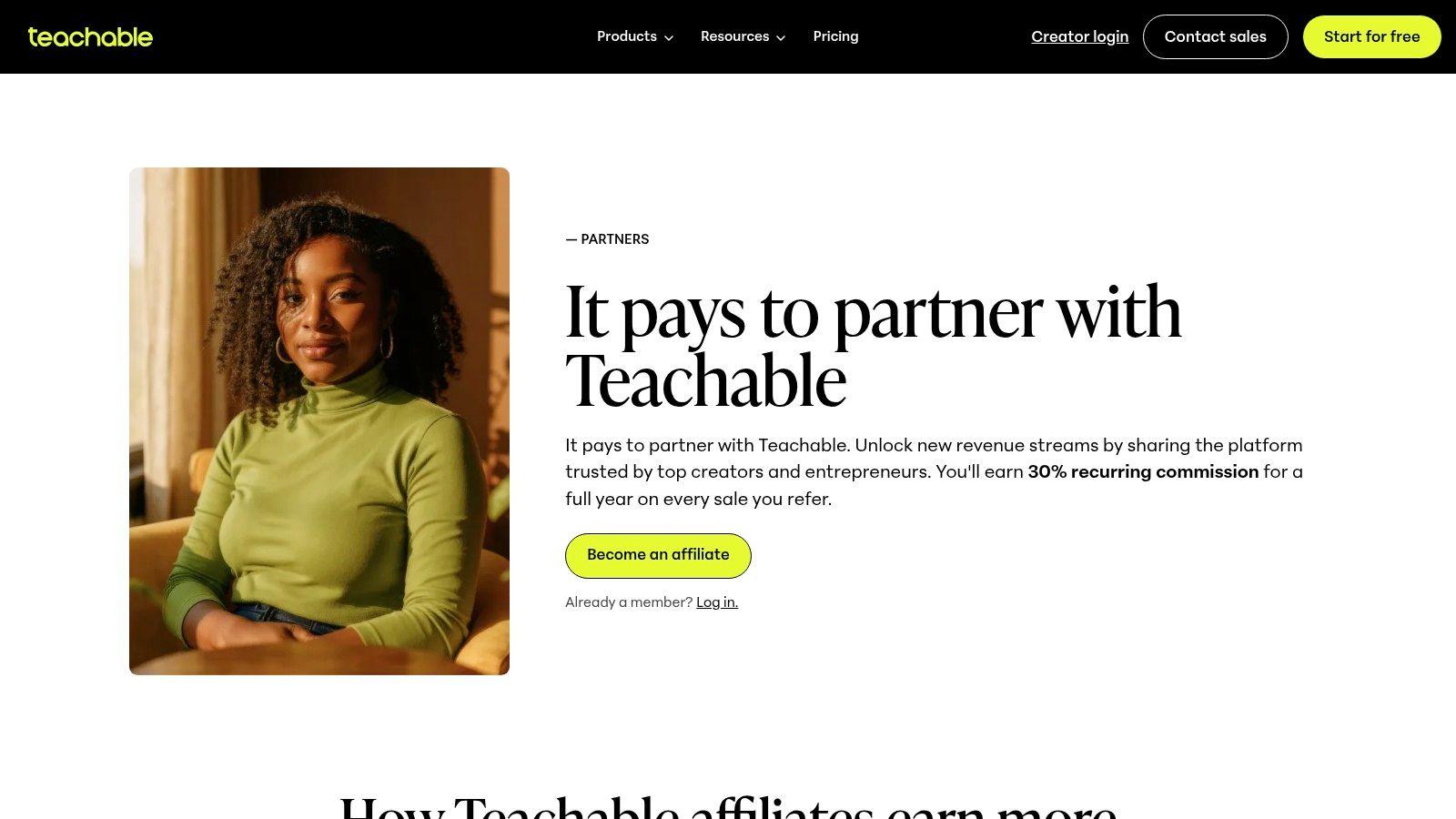
The Teachable partner page states a 30% recurring commission for the referred creator's first year and a 30-day cookie. Tracking sits in PartnerStack. Applications are reviewed, so a new channel can sit in pending while the link does nothing.
The first-year recurring share is useful when the referred creator stays on a paid plan. If they trial and leave, you get little or nothing. It is also a weak recommend for someone who only wants a simple download page and no course host. If that is the video you are filming, point them at a course launch walkthrough that matches the offer, then show Teachable only when the platform itself is the lesson.
Practical rule: Say the 30-day window out loud when you show the signup, because a viewer who "checks it next month" can fall outside attribution.
3. Kajabi
The payout here depends on which tier you land in. Current help docs describe a first-month bounty at the entry tier and recurring commissions at higher tiers, while the public Kajabi partner homepage advertises 30% lifetime commission. Those two statements do not always describe the same deal. Your dashboard and agreement win, so confirm your tier before you say either number on camera.
The video fit is platform comparisons and "package your expertise" tutorials. Courses, memberships, marketing, and delivery sit in one place, which gives you several demos from a single login plus referral tracking and campaign assets inside the dashboard. It is also a lot of software for a first-time seller who needs one checkout, and that trade-off is the honest angle for the video.
The eligibility gate is where applications trip. Current help documentation requires an active Kajabi account to participate. A missing account is a common reason applications fail, even for a relevant channel. If you would not otherwise subscribe, weigh that cost before building a video around the program.
For a comparison video, put Kajabi next to a lighter stack and let the viewer see the trade-off directly. A side-by-side like Genesize vs Kajabi keeps that contrast specific instead of vague.
4. Semrush
Semrush fits keyword research, competitor teardowns, content planning, and search-led growth. If your viewers do not care about rankings, skip it. The tool is deep, and a casual audience will not finish a trial.
The Semrush affiliate program pays on qualifying trials and sales, with amounts that change by product. The cookie is 120 days, longer than the 30-day windows on several creator platforms here. Higher payouts show up for some products and partner tiers, not at signup.
Applications get reviewed for audience relevance and channel quality. A new or off-topic channel is the usual no. Even after approval, a trial that never becomes a qualifying sale does not pay the sales tier.
What I would film:
- One job per video: A single keyword workflow beats a tour of every module.
- Name the tier limit: Do not imply the top payout is yours on day one.
- Use the long cookie: A viewer who buys during a later project can still be yours, so the tutorial should stay accurate for months.
Commission is not one number. Check the product you show, then say that number only.
5. YouTube Shopping Affiliate Program
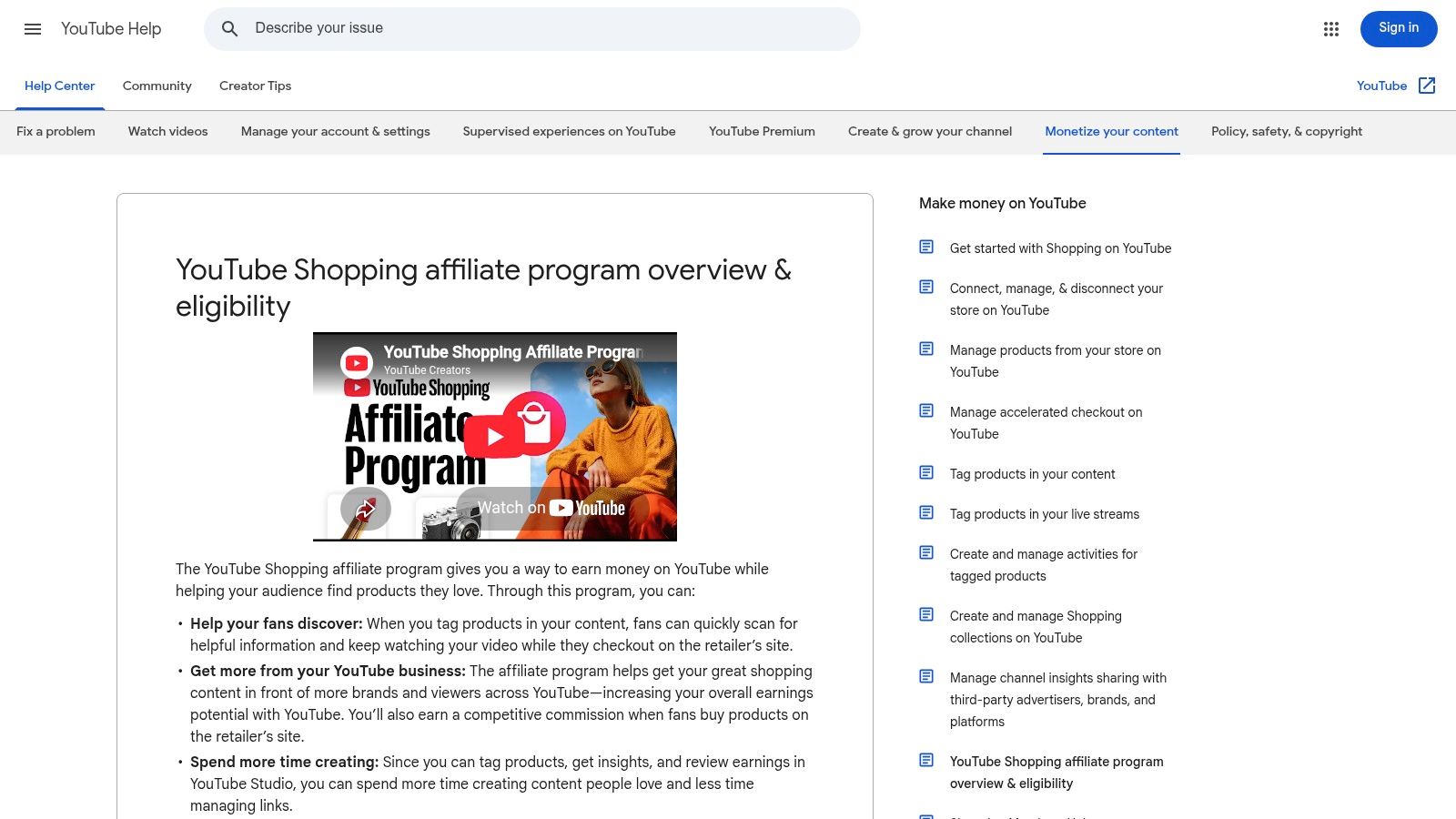
A cooking demo can put the pan, knife, and board under the video while the viewer is still watching. This is YouTube's native option: eligible creators tag products in videos, Shorts, and livestreams, then track earnings and product insights in YouTube Studio. It fits demos, reviews, and haul-style videos where the item is visible and the click is already warm. Software subscriptions and digital courses sit outside its strength.
YouTube's eligibility rules tie access to the YouTube Partner Program, at least 500 subscribers, and a supported country. Listed markets include the United States, United Kingdom, India, Brazil, Japan, Germany, Indonesia, Mexico, the Philippines, Singapore, and others. Music and Made for Kids channels are excluded.
The payout model is a qualifying-sales review on tagged products, tracked in YouTube Studio. YouTube's Made on YouTube post says the shopping affiliate program has reached more than 1.3 million participating creators, and that product tags generate more than twice as many clicks as conventional description links. Rates and retailers still vary by product, so reach does not set your rate. Fail the country, channel-type, or subscriber gate and the tag never appears; pass it and weak product-video match is the usual reason a busy video still earns little.
6. Amazon Associates
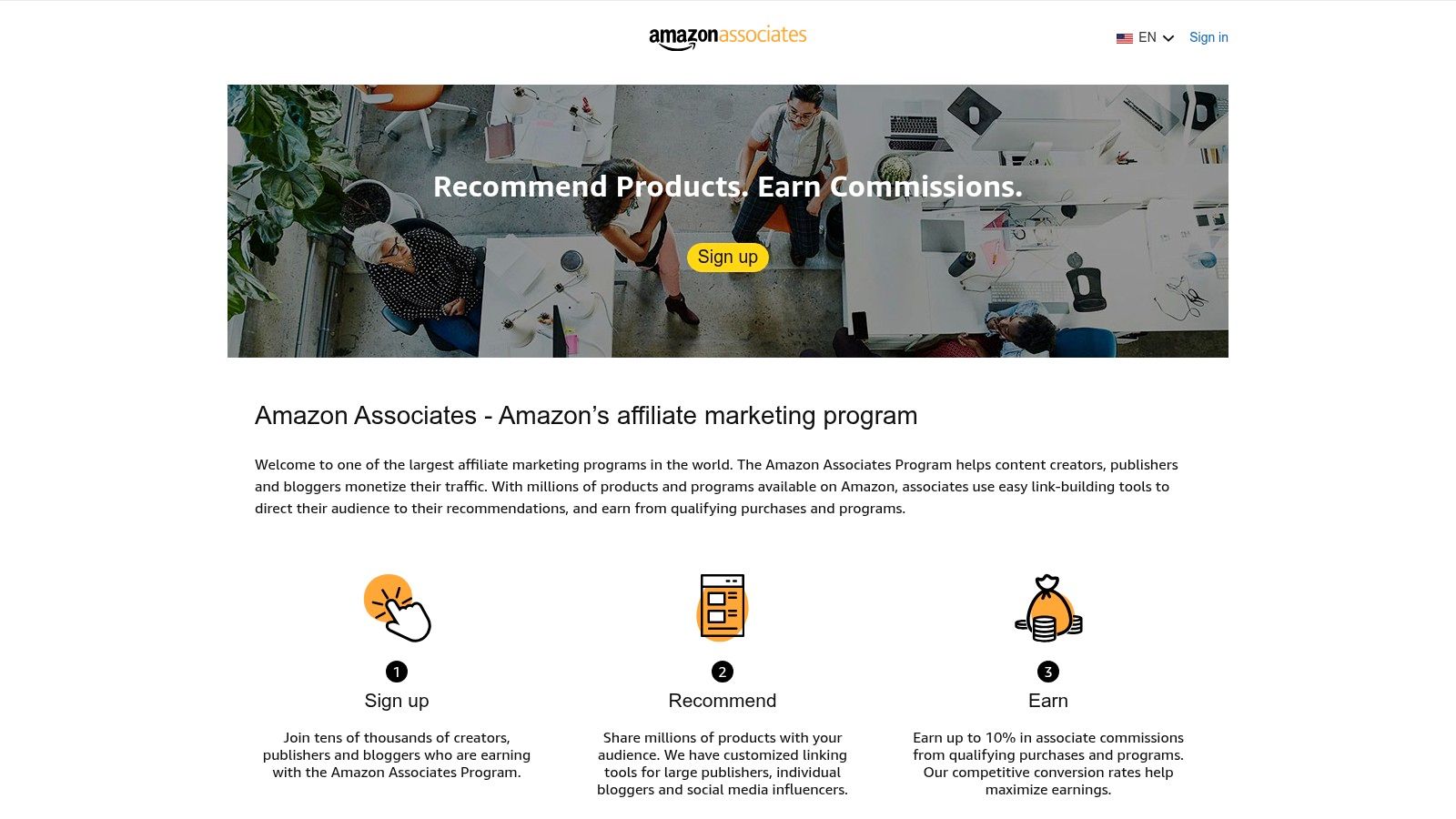
Amazon Associates is the equipment-list program. Mics, lights, books, and desk gear shown in the video can link straight to a product page. Commissions are category-dependent and often modest. You are paid on qualifying purchases, not on the click itself.
YouTube counts as an accepted promotional channel. The catch is the review. Amazon Associates looks at applications after at least three qualifying sales within the first 180 days, and it expects original, public content. New channels stall here. Three real orders in that window is harder than it sounds if the video is still finding search traffic.
You also have to follow Amazon's disclosure and operating rules. A bare URL with no spoken note is how people get removed after they finally qualify.
For a wider map of offers beyond one retailer, this roundup of affiliate programs is a useful companion when the video is about the business, not the microphone. I would still keep Amazon for the physical items on the desk, and use a different program when the product is a subscription.
7. Skillshare
Skillshare is a subscription class library. Design, illustration, photography, and other creative skills. It belongs in videos where you already teach a craft and can point to a class that continues the lesson. It does not belong on a channel whose viewers are not trying to learn.
The Skillshare affiliate page lists 20% commission, up to $34 per new customer, and a 30-day cookie. Tracking and payouts run through Impact. The application is free, which is easier than the reviewed programs above. The cap and the "new customer" rule are where people overestimate the check. A click from someone who already subscribes does not pay. A huge class catalog does not raise the cap.
Rates and promos sit under program terms, so a limited bump you saw last quarter may be gone. I would name one class that matches the video, show the project outcome, and stop. A generic "they have everything" pitch converts worse than a single relevant lesson, and the 30-day window punishes you if the viewer saves it for later and forgets.
8. vidIQ
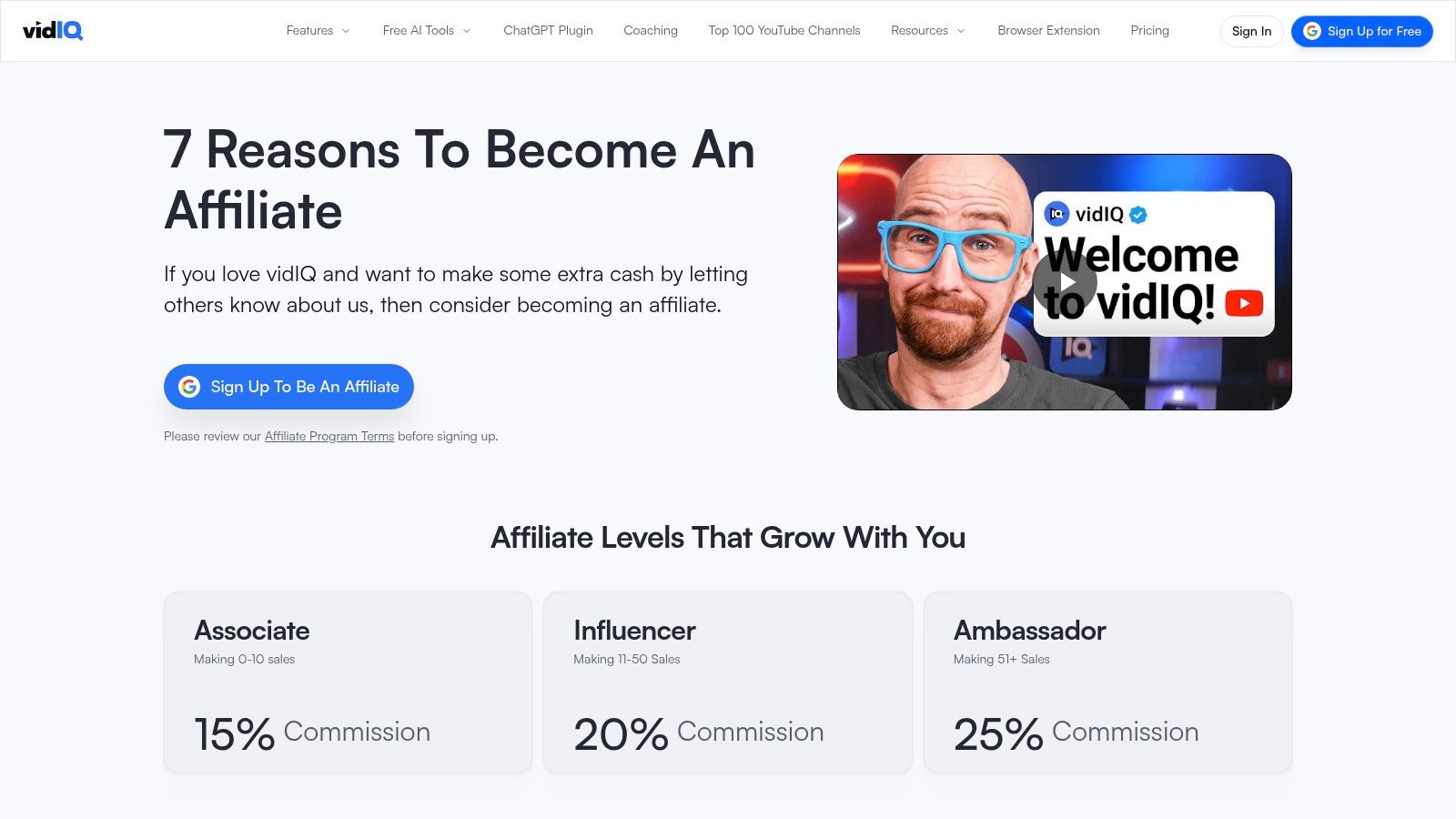
vidIQ is the obvious tool when the video is about growing a YouTube channel. Keyword research and channel insights demo cleanly in a screen recording. If your viewers are not working on their own channels, the pitch dies in the first minute.
The vidIQ affiliate page lists sales-based tiers of 15% (Associate), 20% (Influencer), and 25% (Ambassador). Higher tiers can add perks such as consultations or product access. Those perks are not included just because you signed up. You have to sell your way up, and the page is the source of the tier names, not a guarantee you will be placed at the top.
What fails:
- Assuming Ambassador pay: Most new affiliates start at 15%. Saying 25% on camera is how trust breaks.
- Wrong viewer: A cooking channel's audience did not come to optimize titles.
- No on-screen proof: A logo bug converts worse than a two-minute keyword walkthrough.
I would show one search you run for the video's topic, then leave the link. The tier story can wait until your dashboard shows the next level.
9. Epidemic Sound Community Program
Epidemic Sound is music and sound effects for people who edit. A video about licensing, a cutdown workflow, or a soundtrack choice can carry the referral without feeling bolted on. A business-tips channel usually cannot.
The Community Program does not start as a simple cash bounty. Referral rewards can begin as subscription discounts. Refer 12 new paying users and you can qualify as an Ambassador, with a free subscription, a 50/50 revenue split per new user, and possible paid creative work. Until that count, you may be earning a discount on your own plan, which is easy to mistake for a commission.
Entry-level rewards are not cash. If you need payout this month, this program will disappoint you until the Ambassador bar is real.
Links can live in the description and elsewhere, and a real edit is the best demo. I would only push this when the music is already in the timeline the viewer just watched. Rewards change by level, so read your current tier before you describe the split.
10. Shopify Affiliate Program
Shopify is a one-time style bounty aimed at new merchants. It fits storefront launches, physical-product businesses, and videos about selling online. It is a clumsy recommend for someone who only needs a page for a digital download.
Shopify's affiliate program says qualified referrals can earn up to $150 USD, and the amount varies by referral location and plan. "Up to" is the phrase people skip. A referral in the wrong country, or on a plan that does not qualify, pays less or nothing. You get a dashboard, promo materials, and education resources after you are in.
Applications are reviewed. Educators, influencers, publishers, and commerce experts are the intended partners. A channel with no commerce content gets declined, which is the failure mode, not a broken pixel. I would show a store setup that matches the viewer's product, name that the bounty depends on location and plan, and avoid quoting $150 as if every signup clears it.
How the 10 affiliate programs compare on payout model, attribution, best-fit video topic, and access requirements
Read this table by the trigger that creates the commission: recurring, bounty, tiered sales, or qualifying-sale review. Attribution is the uneven part. Teachable states 30 days, Skillshare states 30 days, and Semrush states 120 days. The other programs hinge more on baskets, locations, plans, referral status, or qualifying activity than on one clean window.
| Program | How it actually pays | Best-fit video topic | Access gate and likely earnings leak |
|---|---|---|---|
| Kit | 50% for the first 12 months, with more recurring commission at qualifying status levels | Email lists, course launches, and creator businesses | Join through PartnerStack; earnings stay at the entry level unless qualifying status is reached |
| Teachable | 30% recurring commission for the referred creator's first year | Teaching, course creation, and online businesses | Application reviewed; weak fit if the channel has no course or education angle |
| Kajabi | Tiered: first-month bounty at entry tier, recurring commissions at higher tiers | Course businesses and creator-platform comparisons | Active Kajabi account required; low-tier referrals can stop at the bounty |
| Semrush | Product-dependent commissions for qualifying trials and sales, plus tiered rewards | Keyword research, competitor analysis, and SEO growth | Application reviewed; trial referrals and paid sales do not pay the same way |
| YouTube Shopping Affiliate Program | Product-dependent commissions | Product demonstrations, reviews, and shopping videos | Requires YouTube Partner Program, subscriber threshold, and supported country; tagged products can pay differently |
| Amazon Associates | Category-dependent commissions on qualifying purchases | Creator equipment, books, and workspace items | Needs at least three qualifying sales within the first 180 days plus original public content; low-ticket baskets can stay small |
| Skillshare | 20%, up to $34 per new customer | Creative skills and learning workflows | Free application; the cap limits upside on higher-priced referrals |
| vidIQ | Sales-based tiers: 15%, 20%, or 25% | YouTube channel growth and keyword research | No specific requirement stated; lower tiers reduce the same referral's value |
| Epidemic Sound Community Program | Subscription discounts at first; Ambassador level may include a 50/50 revenue split per new user | Editing, production workflows, and music licensing | 12 new paying referrals required for Ambassador qualification; early work may only discount the subscription |
| Shopify Affiliate Program | Up to $150 USD per qualified referral, varying by location and plan | Ecommerce, storefront launches, and online selling | Application approval required; “up to” drops with the wrong country, plan, or non-commerce audience |
The practical split is simple. Recurring and tiered programs reward channels that teach a repeatable business need. Bounty and qualifying-sale programs reward clear purchase intent. Pick the pay model the video can satisfy before you quote the biggest number.
Choose Programs Your Videos Can Actually Support
Start with the video you already make, not the highest headline rate. A tutorial on email lists fits a recurring program like Kit. A product review fits a native shopping tag. A channel-growth walkthrough fits a tiered sales program like vidIQ. A store build fits a bounty that changes by country. Forcing the wrong pay model onto the wrong video is why a "good" rate still shows zero.
Before you promote any link, confirm the current commission, cookie window, and eligibility rules in that program's own dashboard. Homepage copy and your signed tier disagree often enough that I treat the dashboard as the only number worth saying on camera.
Disclosure is not a footer chore. The FTC's endorsement guides say a material connection includes payment and also free or discounted products. For video, a note only in the description can be insufficient. Put a clear line in the video when you recommend the product, repeat it near the links, and use the same language as the endorsement. In 2017, FTC staff sent more than 90 letters to influencers and marketers after reviewing social posts. A workable line is simple. "This video contains affiliate links, and a commission may be earned if you purchase."
Then measure the path, not the view count. YouTube merchant analytics let merchants watch sales, commissions, views or impressions, clicks, orders, active creators, and tagged content, including pending versus approved amounts and returns. Even outside that dashboard, the same funnel applies. Exposure, then click, then order, then net revenue. Orders divided by tracked clicks is the conversion rate that matters. Approved commission divided by clicks is what a video earned. Refunds should come off before you decide a partner "won."
Separate tests by format. A tutorial, a case study, and a review will not convert the same offer at the same rate. High reach on a digital product often hides weak intent. Net revenue after refunds is the number I would keep.
If your audience creates and sells ebooks or courses, Genesize's affiliate program is one option to compare. It is free to join, it does not require a paid Genesize plan, and it pays 40% recurring commission on eligible subscription payments from referred customers. That is a recurring fit for videos about building and selling a digital product, not a bounty for a one-off gadget.
Genesize is the workspace we built for turning a method into an ebook or course, then selling it from a hosted storefront with checkout, email, and buyer records in one place. If your videos already teach that kind of offer, the affiliate program is a straightforward way to recommend the same stack your viewers need. Visit Genesize to compare the program terms with the ten options above and see whether a recurring digital-product referral fits the videos you publish.