Selling Digital Products 2026: 7 Best Platforms
Selling Digital Products 2026: Compare 7 platforms for ebooks, courses and downloads — fees, pros, cons, and who each one suits best.

The best platform for selling digital products in 2026 depends on what you still need to build. Choose an all-in-one tool like Genesize if you need help creating and selling the product, or Gumroad or Payhip if you already have a finished file and an audience.
The surprising part is that self-paced learning already accounts for 57.67% of the e-learning market, according to Mordor Intelligence's market analysis. You don't need to build a live teaching business to sell useful educational products.
You do need to distinguish product creation software from software that collects payments and delivers files. A checkout won't turn scattered consulting notes into a useful workbook. An AI drafting tool won't necessarily manage buyer access or follow-up emails.
Buy for the work you haven't finished, not for the longest feature list.
For selling digital products in 2026, compare transaction fees, monthly subscriptions, supported product formats, and the workflow you'll still manage elsewhere. Free entry can be sensible, but it isn't the same as free selling. These platforms suit different starting points, and choosing between them starts with identifying yours.
1. Genesize
Best for experts who still need to turn their knowledge into a sellable product.
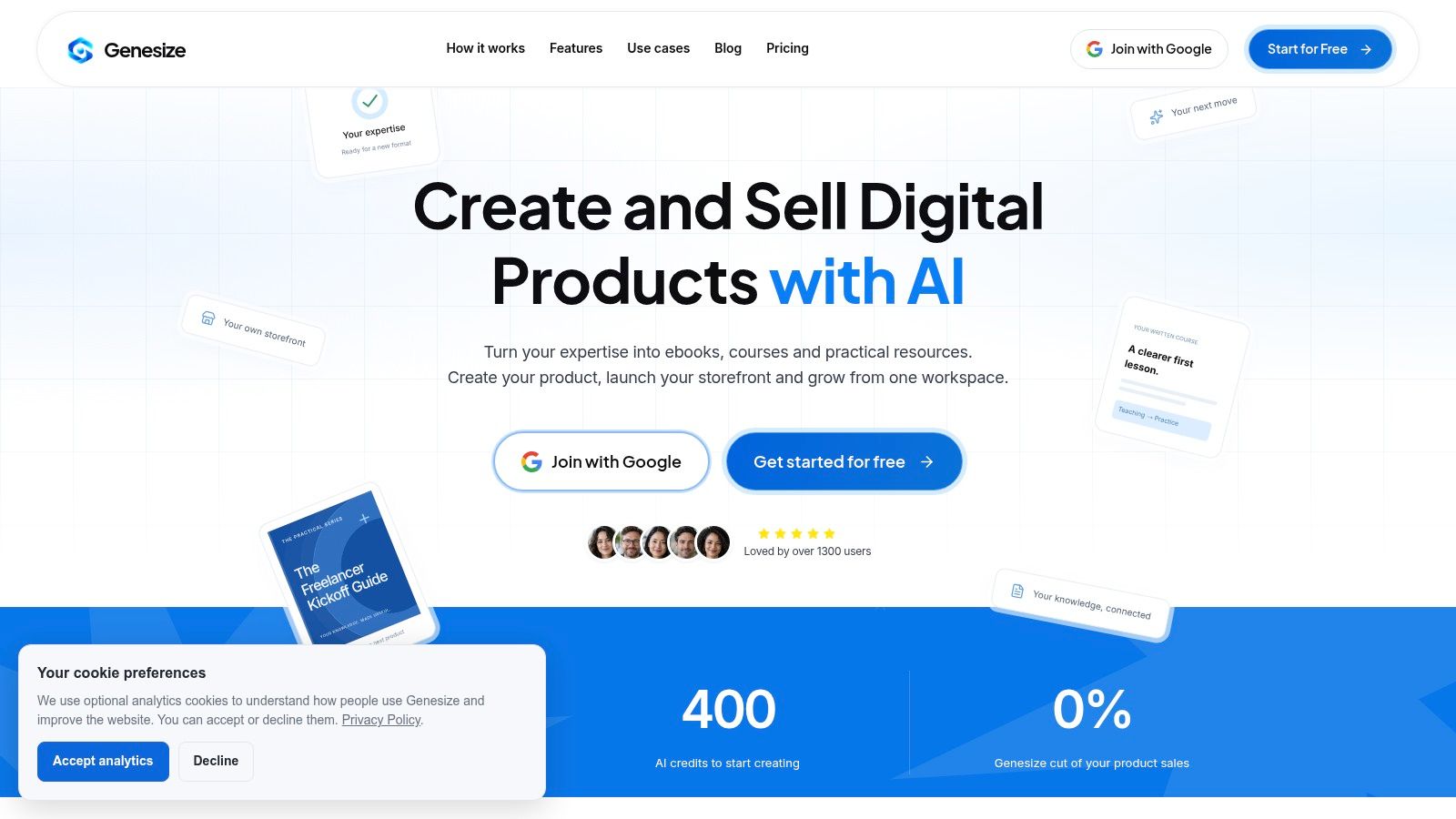
A consultant with years of client work has methods, examples, and folders of unfinished notes. None of it is a product yet.
Genesize is built for that gap. Its Expertise Library stores your material, and an AI interview draws out your approach before you draft an ebook, written course, or practical resource. You build around your own explanations and examples instead of a generic topic prompt, then edit the content and layout before publishing.
What you're paying to connect
Creation, a hosted storefront, Stripe checkout, buyer delivery, and sales-page drafting run in one workspace. Eligible plans add CRM, email campaigns, automated follow-ups, analytics, and Growth Agent recommendations, so you aren't assembling separate writing, checkout, and customer-management tools.
Genesize lists its Creator plan at $58 USD per month when billed monthly, takes 0% commission on product sales, and offers eligible new subscribers a 14-day trial with 400 AI credits and up to three saved projects. Standard Stripe processing fees still apply.
Read that subscription as payment for the connected workflow. Monthly plan credits don't roll over, extra credits require an active paid workspace, and customer email sending requires an eligible paid plan.
- Strong fit: Coaches, consultants, educators, and client-service teams creating expertise-led products.
- Useful flexibility: PDF and Word exports let you distribute the finished product through other channels.
- Clear limitation: Communities and paid memberships aren't available yet. Skip it for a membership-first launch.
Keep human review in the process. Check every example, factual claim, prerequisite, and promised outcome before publishing, especially when AI helps draft the material.
Choose Genesize when creation and selling are both unfinished. If you're still deciding which parts of that workflow you need, this guide to the best software for digital products separates creation requirements from storefront requirements.
2. Gumroad
Best for sellers with a finished product and an existing audience.
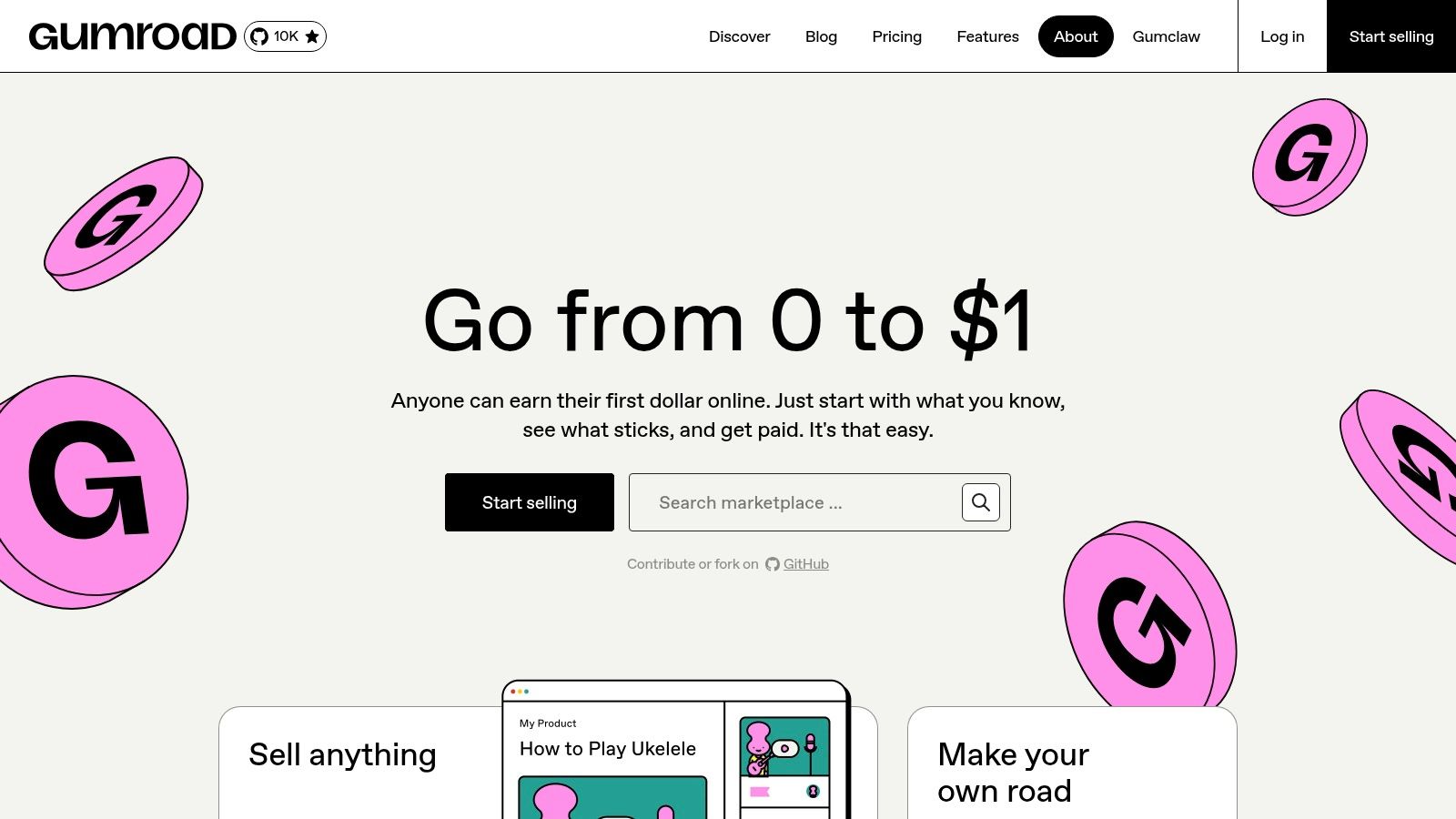
Your ebook is finished. Your newsletter readers already know your work. You need a purchase link, not another software project.
That's Gumroad's strongest scenario. It supports downloads, courses, memberships, and subscriptions through product pages, direct links, and a simple storefront. You can concentrate on presenting the offer and directing buyers to checkout instead of configuring a broader ecommerce site.
No subscription doesn't mean low selling costs
Gumroad has no monthly platform fee, but charges 10% + $0.50 for direct or profile sales and 30% for sales through Gumroad Discover.
Those are different sales channels with different economics. Don't budget around the direct-sales fee while assuming marketplace discovery will supply your customers. Decide whether you're paying for checkout convenience or accepting a larger fee for a Discover sale.
Cost rule: Calculate direct sales and marketplace sales separately. They aren't interchangeable acquisition channels.
Gumroad also acts as merchant of record for eligible transactions, handling applicable sales-tax collection and remittance. That can remove some administrative work from international selling, but it doesn't replace reviewing your own business obligations.
The trade-off is control. Store design and marketing capabilities are more limited than those of a full ecommerce platform, so don't choose Gumroad expecting a highly customized branded store.
Use Gumroad to test demand without committing to a recurring platform subscription. Keep it when its convenience justifies the selling fee. Reassess when your sales volume or branding requirements make that trade-off less attractive.
3. Payhip
Best for a first ebook seller who wants a free-entry storefront and room to expand.
Payhip is the more natural starting point when you want a small store rather than just a purchase link. It supports ebooks and other downloads alongside courses, memberships, subscriptions, coaching, and some physical products.
That breadth suits a creator whose first workbook could later become part of a course or coaching offer. You can launch the initial product without committing immediately to a specialized learning platform.
The free plan isn't commission-free. Payhip charges a 5% platform fee on its free plan, in addition to payment-processing fees, with paid options offering lower platform fees.
Start free, then review the actual economics
Don't upgrade because a paid tier looks more professional. Compare the subscription cost with the platform fees you'd otherwise pay, using your own sales records rather than an optimistic forecast.
- Store tools: Coupons, bundles, memberships, and subscriptions support different ways to package your offer.
- Payment choice: Gateway options include Stripe and PayPal.
- Tax boundary: Payhip supports EU and UK VAT collection and remittance. Don't assume that covers every customer location.
Its plans list unlimited products and revenue, but catalog capacity isn't the same as full business management. Check whether its storefront, customer tools, and course experience cover the work you need.
For an ebook launch, spend as much attention on the preview, file quality, product description, and delivery instructions as on the checkout. This practical guide to how to sell ebooks online helps connect those decisions.
Choose Payhip when you want an approachable storefront for a finished product and a path into additional offer types. Don't buy a larger suite until you can name the missing capability.
4. Podia
Best for educators who want their website, products, and email in one service.
Choose Podia when maintaining separate services has become the problem. You've got course material, downloadable resources, and an audience to contact, but you don't want each part of the business living in a different dashboard.
Podia combines a hosted website with courses, downloads, memberships, community access, and email marketing tools. Bundles and upsells help connect related offers, while eligible plans add affiliate marketing.
Its value is consolidation. Unlike Genesize's creation-led workflow, Podia's strongest fit is the creator who needs to organize and sell an existing body of material through a connected website and marketing setup.
Check the limits behind the bundle
Podia requires a recurring subscription after its trial. Lower-tier plans can include transaction fees and limits on products or email subscribers, while higher tiers remove Podia transaction fees and add sales-growth tools.
Don't judge the subscription in isolation. Compare it with the services you'll stop paying for, then check the plan that supports your current catalog and audience.
- Choose it for consolidation: You want a creator website, educational products, and email tools together.
- Review before paying: Product allowances, subscriber limits, transaction fees, and affiliate eligibility.
- Skip it for specialization: You need advanced course functionality or extensive storefront customization that exceeds its scope.
The website matters here. If you want buyers to browse your expertise, join your mailing list, and move between related products, a connected creator site is more useful than an isolated checkout link.
Choose Podia for a manageable creator business, not because “all-in-one” sounds automatically cheaper. Consolidation only saves money and effort when the included tools replace services you would otherwise need.
5. Teachable
Best for a course-led business where student delivery comes before storefront flexibility.
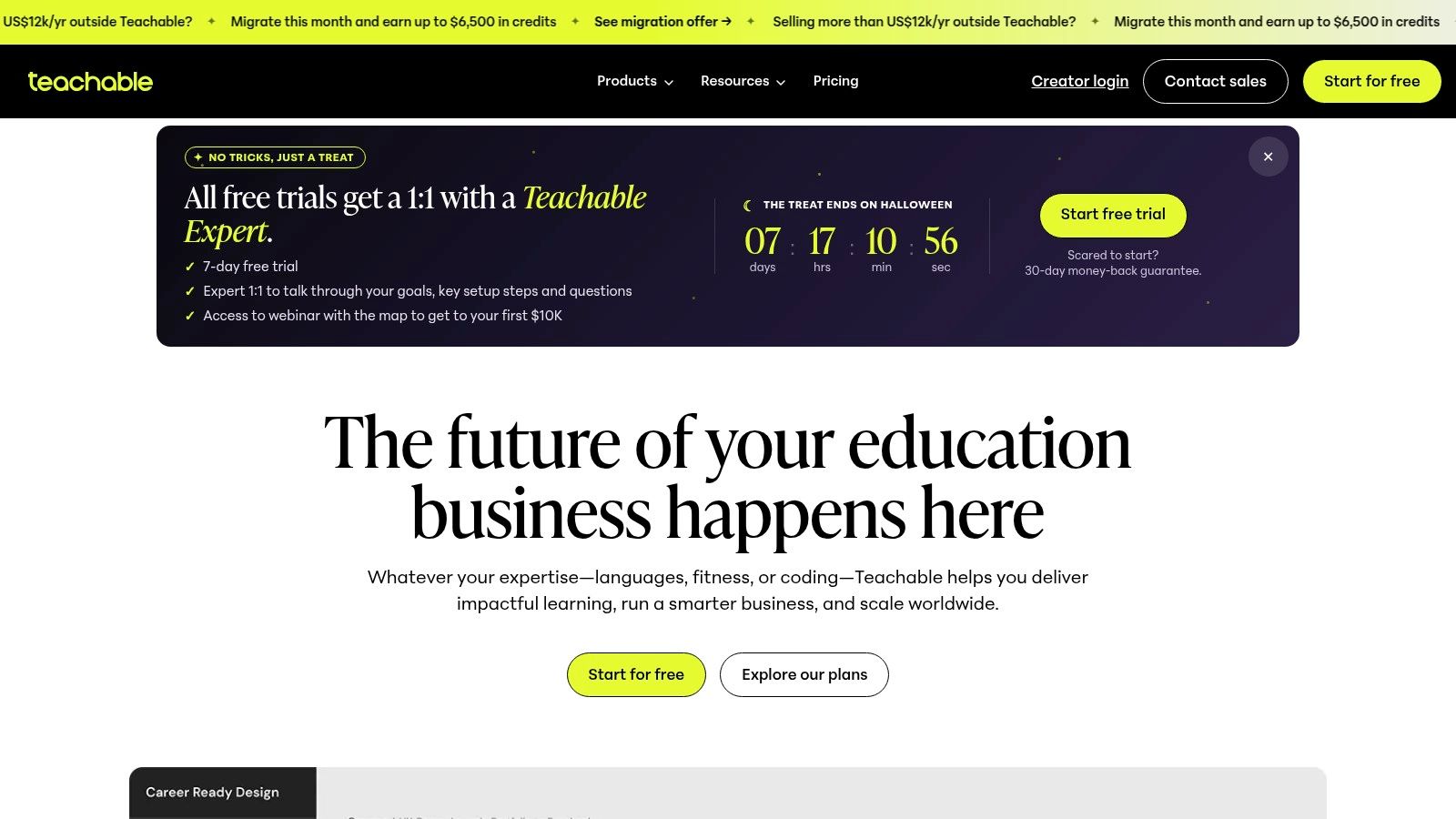
Don't buy Teachable just to deliver a PDF. Choose it when the learning product is the business: structured courses, coaching, student access, and supporting downloads.
Teachable centers its offering on education, with course sales pages, coupons, upsells, abandoned-cart recovery, and student-facing tools. Apps and capabilities such as certificates depend on the plan.
The cost trade-off is straightforward. Paid plans can be difficult to justify for a small download-only catalog, and the entry plan includes a transaction fee and a limited published-product allowance. Higher plans remove the platform transaction fee when using Teachable Payments, but plan limits and usage-based fees still need review.
Measure implementation, not just lesson consumption
Course infrastructure is useful, but don't confuse a polished curriculum with a valuable outcome. An analysis of online course completion covering 47,000 courses reported 8.6% median completion and little relationship between completion and refunds.
Use that distinction when designing your offer. A buyer applying your budgeting method or publishing a finished asset may matter more than watching every lesson.
A course platform manages access to instruction. You still have to design a result worth pursuing.
Before uploading lessons, define the observable action the buyer should complete, the resources they'll need, and where they can get help. The guide to how to launch an online course can help turn that promise into a launch plan.
Choose Teachable when teaching and student management justify a dedicated platform. Use a simpler storefront when you only need file delivery.
6. Shopify
Best for a broader ecommerce business that also sells digital products.
A business selling physical kits alongside downloadable instructions has different needs from a writer selling an ebook. Shopify fits the former: a branded catalog, multiple product categories, sales channels, and centralized order management.
Shopify combines storefront customization, checkout, payments, marketing, and reporting. Its digital delivery app supports sending files or access links after purchase, allowing digital resources to sit alongside physical merchandise.
The digital delivery app is free, with no additional fees specifically for selling digital products. The store itself still requires a monthly subscription, and payment costs and optional apps remain part of the budget.
Pay for commerce capabilities you'll actually use
Shopify makes sense when you need the broader store. It's harder to justify when your entire launch consists of a downloadable guide and a link from your newsletter.
- Strong reason to choose it: Physical and digital products belong in the same branded business.
- Operational advantage: Orders, sales channels, marketing, and analytics sit within a commerce-focused admin.
- Setup trade-off: Digital delivery requires configuration, and additional apps can introduce more cost and maintenance.
Be specific about fulfillment during setup. Test that a digital-only order doesn't create confusing shipping expectations and that buyers receive clear access instructions.
Don't mistake storefront control for a complete educational experience. If students need structured lessons, coaching, or community access, compare the learning platforms before assembling those functions through apps.
Choose Shopify when digital products extend a larger store. For a download-only launch, Gumroad or Payhip is the more proportionate starting point unless you already know why you need broader ecommerce capabilities.
7. Thinkific
Best for educators connecting downloadable resources to courses, coaching, and community.
Thinkific suits the creator who sees an ebook as part of a learning path rather than a standalone endpoint. A free workbook can introduce your method, a paid course can teach its application, and coaching or community can support implementation.
Thinkific supports courses, community access, coaching, and digital downloads, including ebooks, templates, audio, and video. Download product pages and lead-magnet options let you use resources for audience building as well as direct sales.
That's a distinct reason to choose it over a lightweight download store. You're organizing an educational business around related learning experiences, not adding more files to a catalog.
Test the buyer experience before expanding
Checkout capabilities such as coupons and order bumps depend on the plan. Digital-download allowances also vary, so compare the plan against your intended mix of free resources, paid downloads, and courses.
For a small file-only catalog, this can be more platform than you need. For a connected education business, learner progress, engagement, and sales reporting are more relevant to day-to-day decisions.
There's a practical reason to prioritize navigation. The e-learning evidence compiled by iSpring includes findings that 55% of learners reported navigation difficulties and 56% said instructor responsiveness affects satisfaction.
- Test access: Check the path from checkout to the correct download or learning area.
- Explain the next action: Tell buyers where to start and how to use supporting resources.
- Plan support: Make it clear how learners can ask questions and receive a response.
Choose Thinkific when downloads support a larger learning experience. Don't pay for that architecture if your immediate business only needs a product page and reliable file delivery.
Top 7 Digital Product Platforms Compared for 2026
| Platform | 🔄 Implementation complexity | ⚡ Resource requirements | 📊 Expected outcome | 💡 Ideal use case | ⭐ Key advantage |
|---|---|---|---|---|---|
| Genesize | Low–moderate; creation and selling tools are integrated | $58/month after eligible 14-day trial; AI credits are limited; Stripe fees apply | AI-assisted ebooks and courses with storefront, checkout, delivery, and eligible customer tools | Experts turning their knowledge into digital products | Uses your notes and writing samples; 0% platform commission |
| Gumroad | Low; quick setup for products and purchase links | No monthly platform fee; 10% + $0.50 on direct/profile sales, 30% on Discover sales | Simple sales of downloads, courses, memberships, and subscriptions | Testing a product or selling to an existing audience | Straightforward setup and merchant-of-record tax handling for eligible transactions |
| Payhip | Low; hosted storefront with several payment gateways | Free plan has a 5% platform fee, plus payment-processing fees | Storefront sales across digital products, courses, memberships, and subscriptions | New sellers seeking a free starting plan | Unlimited products and revenue on listed plans; upgrade options as sales grow |
| Podia | Low–moderate; website, products, and email tools are combined | Recurring subscription after trial; plan limits and fees vary | Sales of courses, downloads, memberships, and community access | Educators and coaches managing several creator-business needs | Combines product sales, hosted website, and email marketing |
| Teachable | Moderate; course and student setup requires configuration | Paid subscription; entry-plan transaction fee and product limits apply | Structured course delivery, coaching, memberships, and downloads | Educators prioritizing student experience and course management | Purpose-built learning tools, with transaction fees removed on eligible higher plans |
| Shopify | Moderate–high; storefront configuration and digital-delivery app setup | Monthly subscription; additional apps may add cost | Branded ecommerce for digital and physical products across sales channels | Businesses combining digital goods with broader ecommerce | Extensive storefront customization and commerce tools |
| Thinkific | Moderate; learning products and downloads need setup | Plan-dependent pricing and download allowances | Downloads connected to courses, coaching, community, and learner reporting | Creators building an education business around courses and resources | Connects downloadable products with a broader learning experience |
Match the Platform to Your Next Launch, Not to the Feature List
Feature lists don't make this decision. Your next launch does. The wrong platform rarely fails in a dramatic way; it fails on your invoice, through fees you didn't model and tools you're paying for without using.
Start with Genesize when the knowledge exists but the product doesn't. Its creation-plus-sales workflow fits experts who need to structure material, draft resources, publish an offer, and manage buyers without assembling each step separately. As noted earlier, it pairs the writing workflow with a connected storefront and checkout.
Choose Gumroad or Payhip when the file is finished and you bring the buyers. Gumroad skips the monthly subscription, and the trade is a 10% + $0.50 charge on each sale, rising to a 30% fee when a sale comes through its Discover marketplace. Payhip's free plan keeps the storefront cost at zero, with a 5% transaction fee per sale. Run those numbers against your expected price and volume before calling either one free.
Decision filter: Name the task you can't complete with your current setup. Pick the platform that solves it and nothing more.
For an education-led business, match the tool to the teaching job. Podia consolidates your website, products, and email. Teachable suits sellers who put structured course delivery first. Thinkific connects downloads with a broader learning experience. Shopify earns its place when digital products sit inside a larger ecommerce store, where the subscription and app costs spread across more than one revenue line.
Before you commit, run five checks:
- Real selling costs. Multiply the platform fee and payment-processing charges by your planned price, then add the subscription and required apps.
- Delivery and access. Buy your own product in test mode. Check the confirmation email, download flow, and support route.
- Email and follow-up. Confirm which plan covers sending, automation, and your audience size.
- Catalog growth. Check product limits, download allowances, and which features sit behind an upgrade.
- Buyer expectations. State prerequisites, refund terms, third-party costs, and the limits of your promised outcome.
If AI helped produce the product, add human review before launch. Verify every claim and example, explain meaningful AI involvement, and remove outcome promises you can't back up.
Buy for the launch you're ready to execute. Expand the software when real customers and real operating work justify it, because a feature list describes a business you haven't built yet.