Best All in One Digital Product Software 2026
Compare the best all in one digital product software 2026 for creating courses, selling downloads, capturing leads, and building stronger opt-in pages.

You've got notes, a half-finished workbook, and three browser tabs open for checkout, email, and course hosting. None of them talk to each other, and you haven't written the page that's supposed to sell the thing yet. That page is where this comparison starts.
The strongest choice for Best All in One Digital Product Software 2026 isn't the platform with the longest feature list. It's the one that helps you turn expertise into a clear offer, capture interest on an opt-in page, take payment without friction, deliver instantly, and follow up while intent is still warm. Each tool below is judged on that page strategy, not just on storage or checkout.
Demand isn't your constraint. Goldman Sachs estimated approximately 66.6 to 67 million creators worldwide in 2025, up from about 50 million in 2022, and projected about 107.2 million by 2030 in Goldman Sachs creator population estimates summarized for 2025 to 2030. Most of those creators aren't professionals yet, so software that removes stitching work matters more than software that adds settings.
1. Genesize
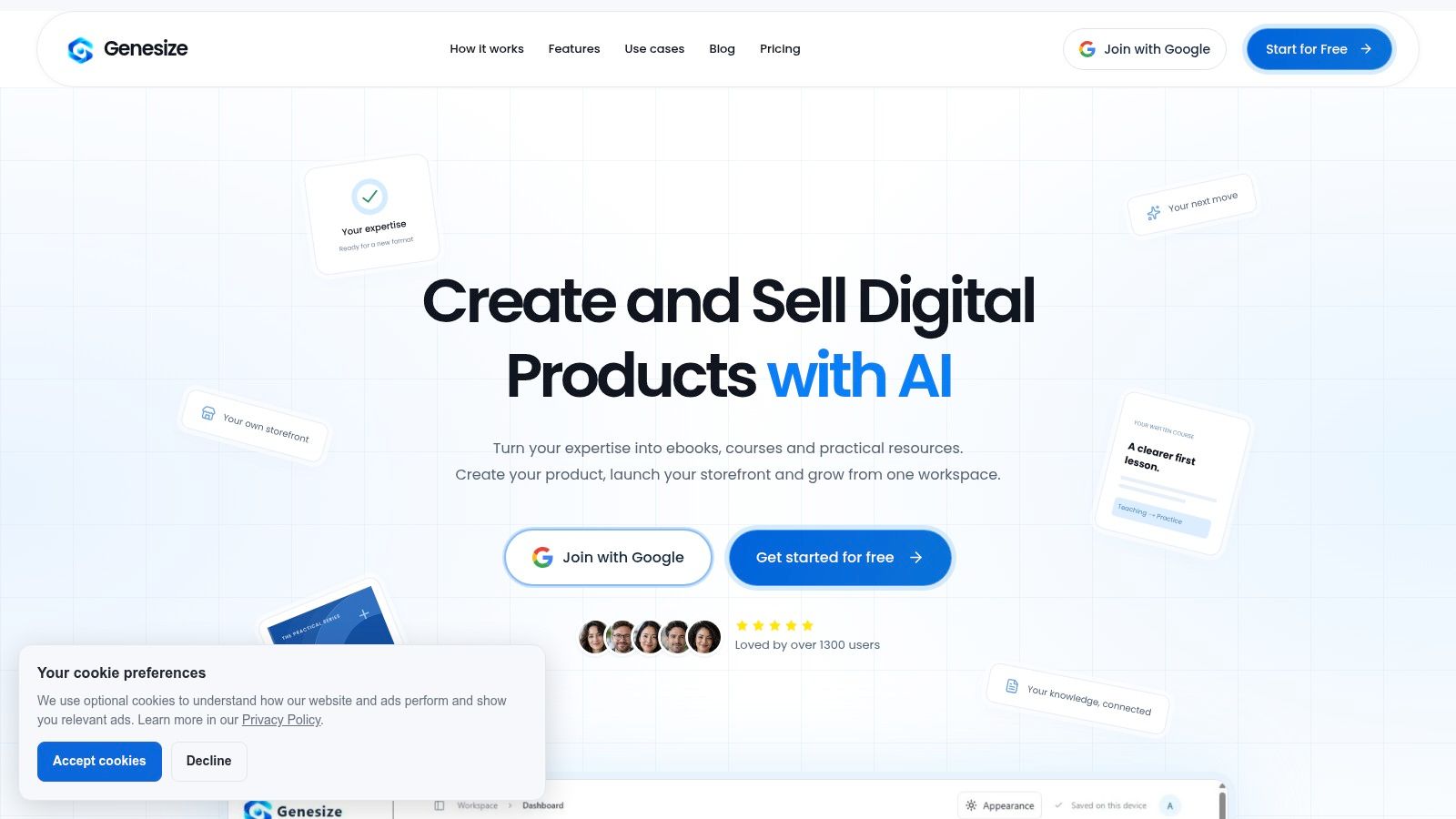
Genesize starts earlier in the workflow than most storefronts. Instead of asking you to upload a finished file, it helps you create the product itself through an AI interview, your notes, and your writing samples stored in an Expertise Library. That material becomes ebooks, written courses, and practical resources you can edit, lay out, and export as PDF or Word.
From product content to page copy
Because the product lives in the same workspace, Genesize can draft your sales page and email campaigns from the actual chapters and lessons. You're not retyping your promise in a second tool or inventing bullets from memory. Build the page around the transformation already inside the product, then use FAQs drawn from that content to handle objections near the call to action.
Practical rule: Write your opt-in headline from your strongest chapter outcome, not your product title. Prospects opt in for a result they can picture.
The selling layer includes a hosted storefront, Stripe checkout for one-time payments, automated buyer access, and delivery management. After purchase, records flow into a CRM with tags and segments, welcome sequences, and follow-ups. A Growth Agent then uses account activity and performance data to suggest audiences and next steps, which helps when you don't know who to contact after launch week.
That end-to-end connection fits the gap many small operators face. The OECD's 2025 assessment found 16% of surveyed SMEs used only basic digital tools while 35% were classified as competent but still had room to advance, according to the OECD 2025 SME digitalisation assessment findings. Genesize is built for that middle stage, where you have expertise and maybe an audience, but no integrated operating layer.
Pros
- Connected workflow: Creation, storefront, checkout, delivery, email, CRM, and analytics sit in one workspace.
- Grounded drafts: Interviews and samples produce more personal drafts than a generic topic prompt.
- Flexible distribution: Hosted selling plus PDF and Word exports for other channels.
Cons
- Unconfirmed pricing: Pricing and independent customer feedback weren't available in the supplied details, so total cost is hard to judge.
- Roadmap limits: Paid memberships and communities are planned rather than current, and Stripe is the stated checkout integration.
Genesize suits independent creators, coaches, consultants, agencies, and small businesses launching a first paid offer or lead magnet who'd rather build one clear page and product together than assemble five tools first.
2. Podia
Podia works best when your page strategy is a simple, credible home base. Podia combines a website builder, landing pages, a blog, and checkout with selling tools for digital downloads, courses, coaching, events, and memberships. You can publish a lead magnet page, a product page, and supporting blog content without separate hosting.
That simplicity shapes your copy decisions. Podia pages reward a clean structure: one promise, a short outline of what's inside, who it's for, and a direct checkout button. You won't build elaborate multi-step funnels here, and for many first offers that's a strength. Fewer branches mean fewer places for a prospect to get confused.
Where Podia helps and where it stops
Built-in email marketing and community features let you follow up after an opt-in and keep buyers close after purchase. Custom domains and migration help on eligible paid plans make the storefront feel like your own site rather than a rented listing. The 14-day free trial without a credit card also lowers the cost of testing whether this simpler page model fits your offer.
Watch the plan math as you grow. The Mover plan carries a 5% Podia transaction fee in addition to payment processor fees, and email subscriber allowances and product limits vary by plan. If you need complex funnels or an advanced learning experience with detailed pathways, you'll likely outgrow the page and course tools.
Pros
- Broad product range: Downloads, courses, coaching, events, and memberships in one service.
- Website included: Landing pages, blog, and checkout don't require separate hosting.
- Low-risk trial: You can test the workflow before committing payment details.
Cons
- Transaction fee: The entry paid tier adds a percentage on top of processor fees.
- Plan ceilings: Subscriber and product limits shift by tier, so check your launch size first.
Choose Podia if your best page is straightforward and trust-led, and you'd rather launch this week than design a funnel map.
3. Kajabi
Kajabi is the heavyweight option for creators who already sell more than one offer. Kajabi brings courses, digital offers, websites, landing pages, sales funnels, email marketing, automations, and community into one system. Your page isn't a standalone asset here, it's one step in a connected sequence from opt-in to nurture to checkout to member access.
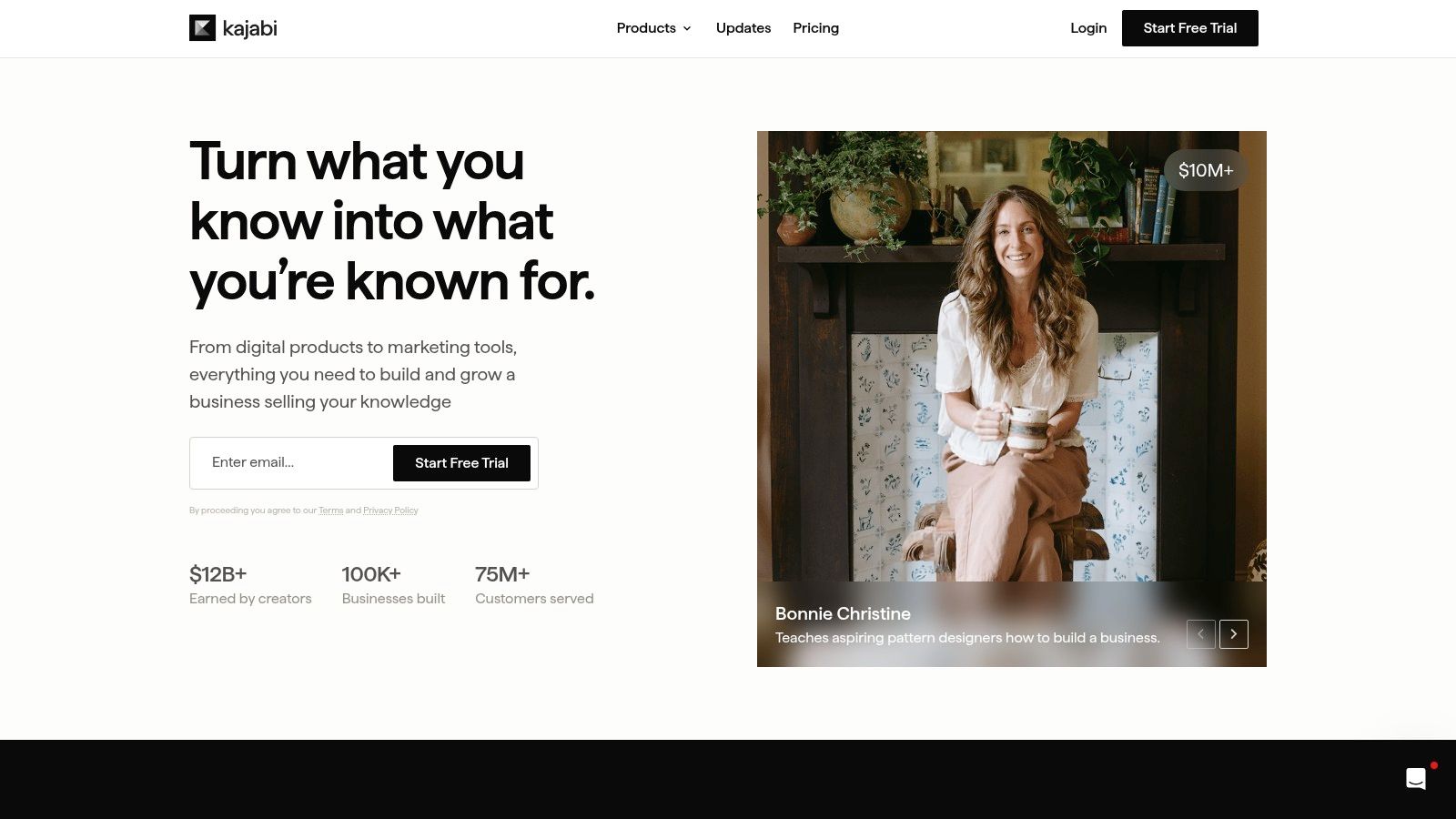
That depth changes what you can test. You can build a focused opt-in page for a lead magnet, route subscribers into an automated sequence, then present a course or coaching offer with consistent branding throughout. If you're weighing this breadth against a creation-first workflow, see the direct Genesize compared with Kajabi for digital product creators breakdown before you decide.
Checkout discipline still matters more than funnel complexity. Baymard's research estimates the average large ecommerce site can achieve a 35.26% conversion rate increase through checkout design improvements alone, based on Baymard checkout usability research across thousands of reviewed elements. That figure is an opportunity estimate for large sites, not a guarantee, but it tells Kajabi users to keep forms short and pricing visible even when the funnel behind the page is complex.
Pros
- Connected marketing: Funnels, email, automations, and customer access work as one system.
- Room to expand: Higher plans accommodate multiple products and team members.
- Established all-in-one: Core creator business tools don't need separate plugins.
Cons
- Higher price: It's relatively expensive compared with entry-level tools.
- Setup weight: Plan limits on products, contacts, websites, and administrators, plus broad features, can slow a simple launch.
Kajabi fits coaches and educator-led businesses with proven demand. If you're validating a first ebook, you're probably paying for capacity you won't use yet.
4. Systeme.io
Start with cost, because that's Systeme.io's argument. Systeme.io offers a free plan without a credit card and centers on sales funnels, landing pages, email campaigns, automation, online courses, and affiliate programs. For a creator testing whether anyone wants the offer at all, a free funnel that captures emails and takes payment is enough to learn something real.
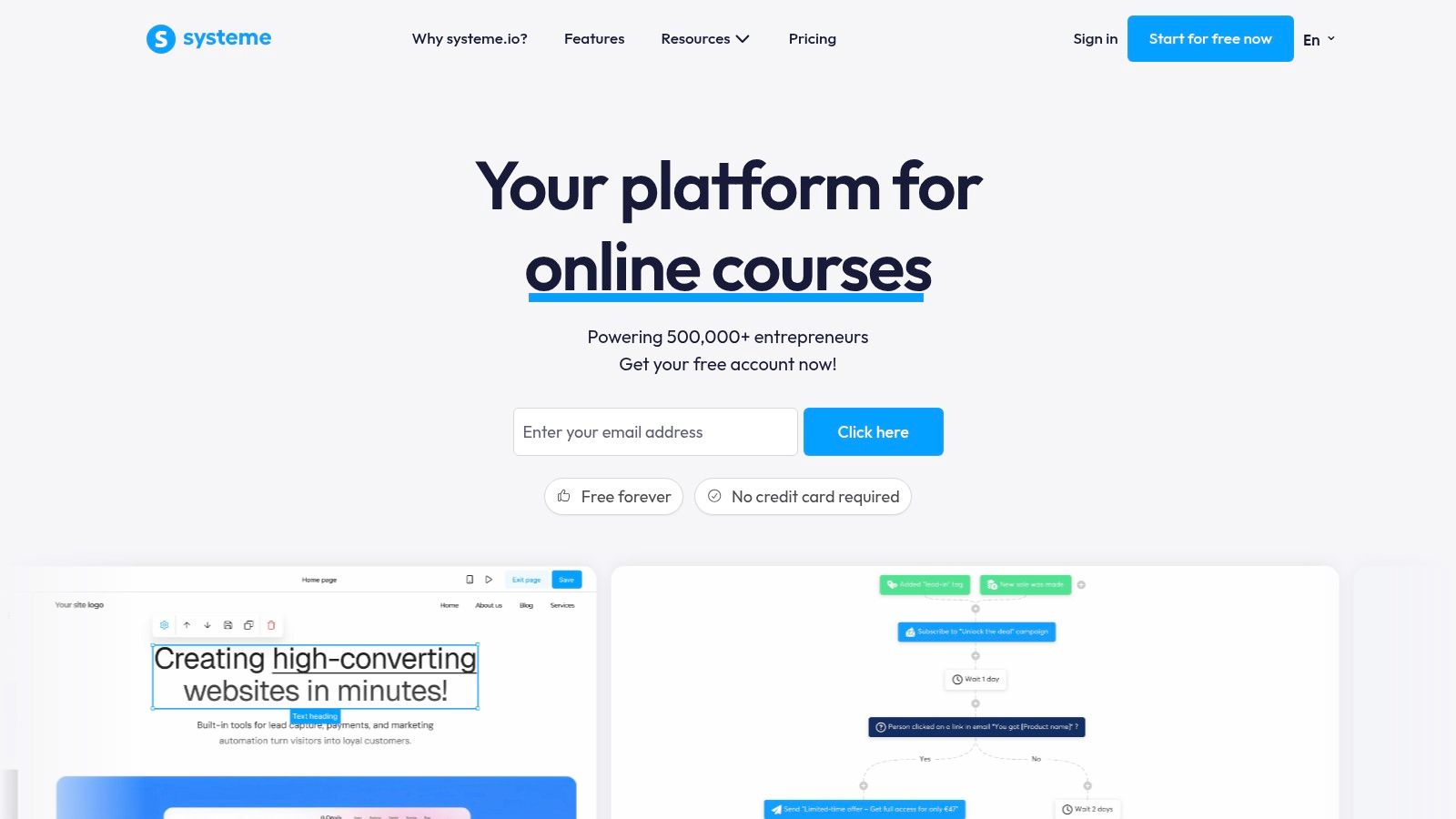
The page strategy here is classic funnel logic. A short opt-in page trades a lead magnet for an email address, automation delivers it and follows up, and a sales page presents the paid product. Keep your swipe copy tight because the builder won't rescue weak positioning with design polish. State the outcome, name the audience, show what's included, and ask for the click.
A free funnel with a specific promise will teach you more than a beautiful page that never launches.
Mobile friction is where cheap funnels often leak. One retailer case reports overall checkout conversion rising from 2.1% to 3.4% after 90 days after making guest checkout the default and adding prominent wallet options, detailed in a mobile checkout case reporting before and after conversion rates. Apply that lesson on any plan: don't force account creation before payment, and check your pages on a phone before you drive traffic.
Pros
- Free entry: Test funnels, email, and course hosting without upfront software cost.
- Funnel and email together: You can run a basic launch workflow in one place.
- Ease of setup: Funnel and automation setup are highlighted positively in user feedback.
Cons
- Free plan limits: Funnels and courses are capped until you upgrade.
- Design constraints: Page design, email templates, integrations, and reporting can feel limited.
Systeme.io suits budget-conscious testing. It is less suited to a carefully designed learning experience where presentation carries the price.
5. Thinkific
Thinkific puts the learning experience at the center of the page. Thinkific provides a course builder with video lessons, quizzes, and learner discussions, plus selling tools for digital downloads, communities, memberships, coaching, and webinars. Your sales page can therefore sell structure and progress, not just information.
That gives you stronger copy material than a download storefront. Name the modules, show the learner path, and explain how someone knows they're improving. If you're mapping that enrollment page for the first time, the guide on how to launch an online course from planning to enrollment helps you sequence the promise before you build lessons.
Commerce built around courses
Built-in checkout, coupons, order bumps, and abandoned cart emails support the enrollment decision without a separate cart tool. Dashboards for revenue and student activity help you see whether buyers start and finish, which is useful proof for improving your next page revision. A custom domain keeps the academy under your brand, and paid plans advertise a free trial.
The trade-off is that Thinkific isn't trying to be your full marketing brain. The Basic plan limits standalone digital downloads, and advanced selling, membership, and engagement features require higher plans. Businesses that need a full CRM or email marketing setup will likely add dedicated tools, which reintroduces the fragmentation an all-in-one is meant to solve.
Pros
- Learner experience: Course delivery, quizzes, and discussions are central strengths.
- Multiple offer types: Downloads, coaching, webinars, and memberships extend beyond courses.
- Built-in commerce: Coupons, order bumps, and cart recovery are included in the platform.
Cons
- Download limits: Entry plans restrict standalone digital downloads.
- Marketing gaps: Advanced CRM and email work may require separate services.
Pick Thinkific when completion and credibility drive referrals. Your page should sell guidance and momentum, not just access to files.
6. LearnWorlds
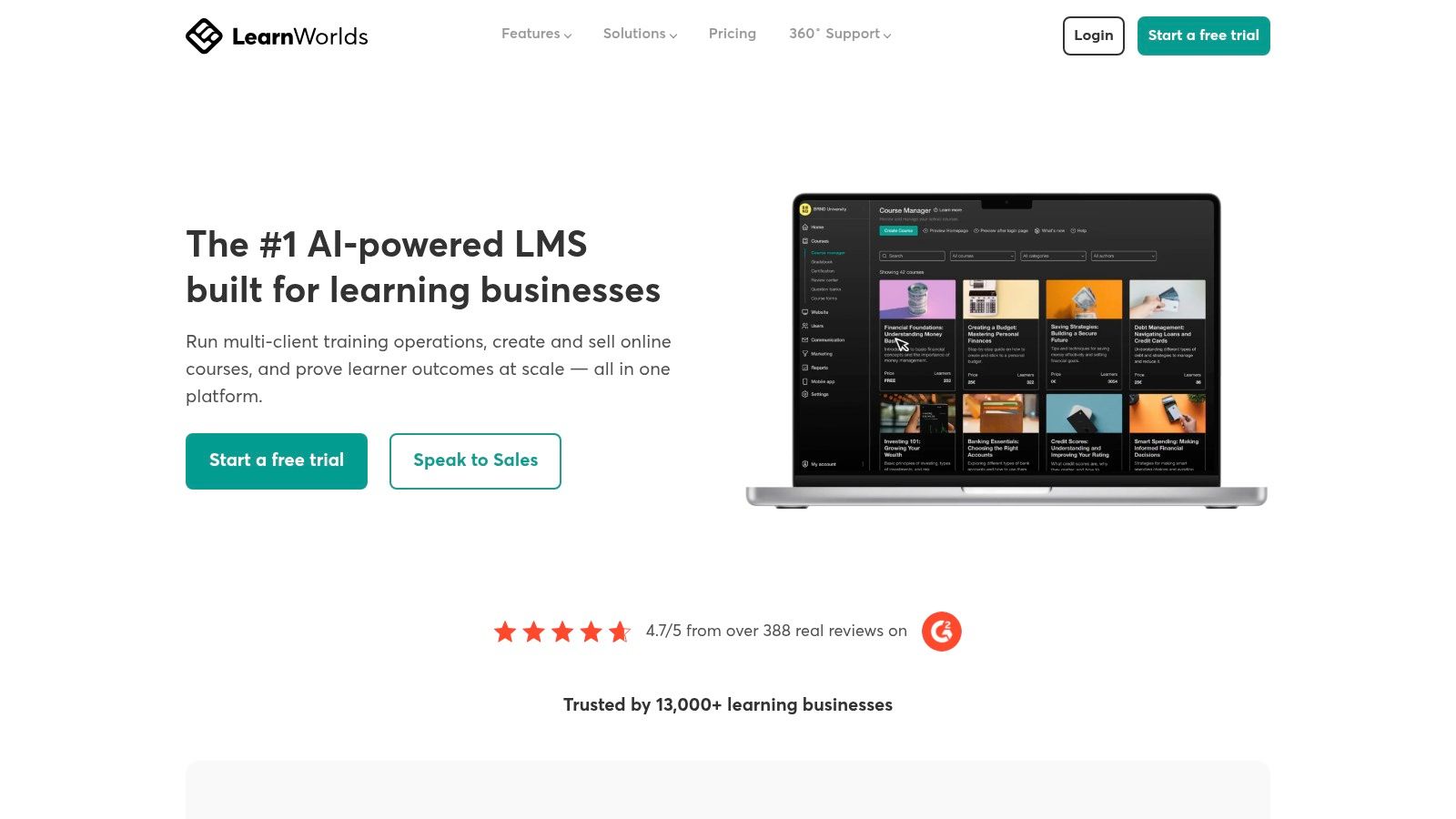
LearnWorlds is for educators who want control over how learning is structured and assessed. LearnWorlds offers course and website tools, AI-assisted creation, assessments and learning paths, and selling through one-time payments, subscriptions, bundles, and payment plans on a custom domain. The page can therefore speak to outcomes that are measured, which suits training businesses and professional education.
AI deserves a harder look here, and on every platform that generates outlines or content from your expertise. Adobe's 2025 survey found 86% of creators actively use creative generative AI, yet 69% worry their content will be used to train AI without permission, reported in Adobe's 2025 global survey of more than 16,000 creators. Before you upload proprietary methods anywhere, check training data policy, export and deletion controls, and how you'll review generated claims. The most automated draft isn't automatically the safest one for a consultant whose method is the business.
LearnWorlds gives you more educational structure than a simple download storefront, and plans span solo creators to larger training organizations. Pricing flexibility helps when a single course needs a bundle or subscription path for different buyers. Your opt-in page can segment by goal or skill level and route people into the right path instead of one generic offer.
Pros
- Educational depth: Assessments, paths, and program structure exceed basic hosting.
- Flexible pricing: One-time payments, subscriptions, bundles, and payment plans are supported.
- AI assistance: Tools help with outlines and academy content creation.
Cons
- Enrollment fee: The Starter plan charges a fee per paid enrollment.
- Narrower workspace: Advanced selling sits on higher plans, and broader CRM needs may require extra tools.
Choose LearnWorlds if proof of learning is part of your promise. If you mainly sell a workbook and email sequence, its academic strength may be more than the offer requires.
7. Teachable
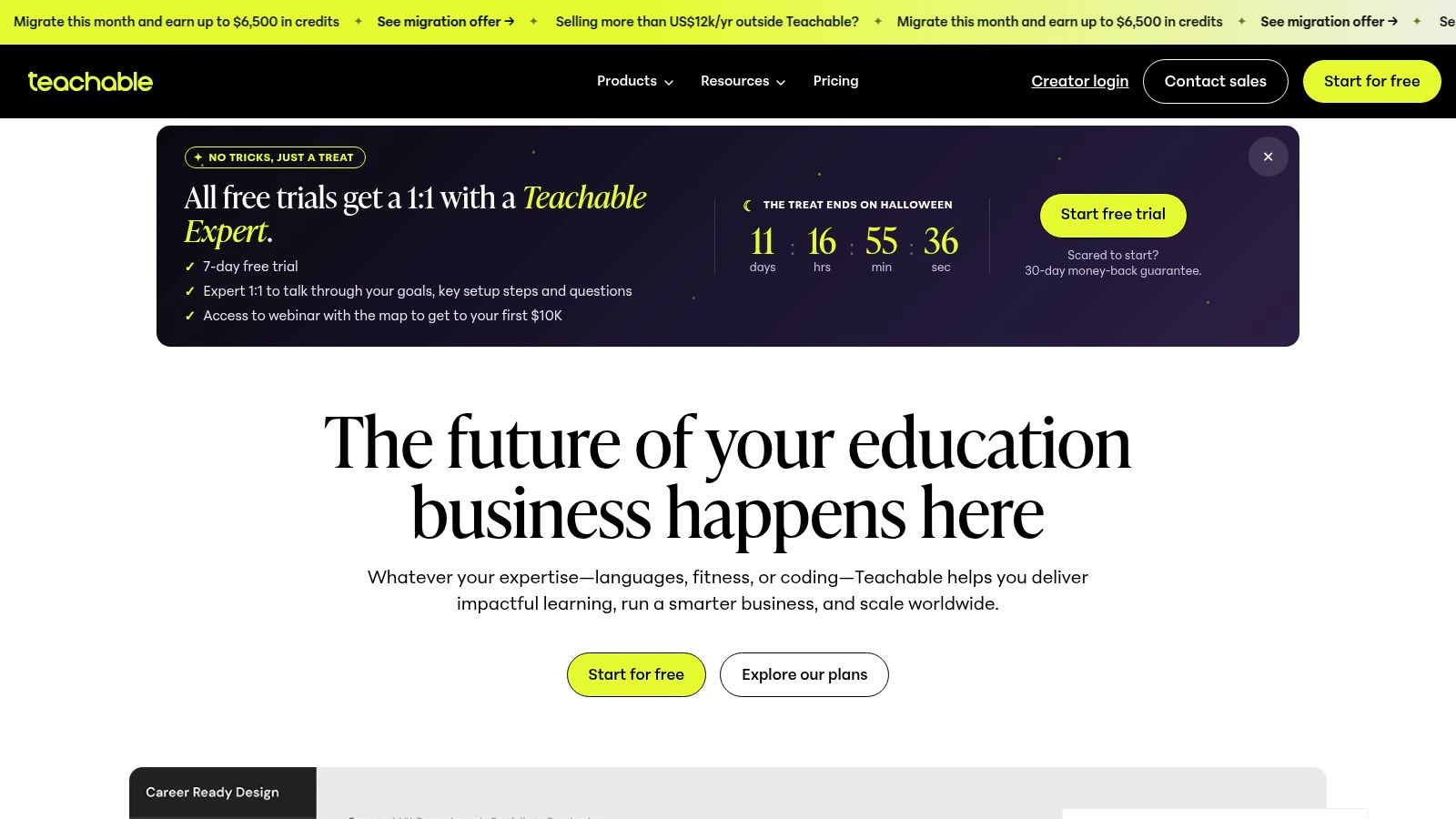
Teachable keeps the focus narrow: create courses and digital products, sell them, and manage student access. Teachable includes AI-assisted creation tools, checkout, upsells, coupons, and abandoned cart recovery, plus payment and tax support for sales in multiple countries and regions. For creators selling internationally, that last point belongs on the page evaluation, not in fine print.
Global access is not solved by adding a checkout button. Peer-reviewed research on a global MOOC found 78% of learners in high-income countries said content was accessible to most people in their country, compared with only 31% in low-income countries, documented in peer-reviewed research on global MOOC accessibility by country income level. If your buyers span markets, your page and delivery should offer lightweight downloads, transcripts or captions where relevant, and clear file expectations before payment.
That thinking also applies to simpler products. If your first offer is a book rather than a full course, the practical guide on how to sell ebooks online with a clear product page is a useful companion for pricing and presentation decisions.
Pros
- Course-selling focus: Creation, checkout, marketing tools, and student access are purpose-built.
- Sales levers: Coupons, upsells, and abandoned cart recovery support launches.
- International support: Payment and tax features help with cross-border sales, and a free trial is offered.
Cons
- Transaction fee: Starter includes a 7.5% transaction fee, so compare it against expected volume.
- Plan limits: Pricing and product limits vary by tier, and it won't replace a full CRM or broad email stack.
Teachable suits coaches and educators who want an established, dedicated course service. It's a narrower answer than a creation-to-CRM workspace, which can be either clarity or constraint depending on your next offer.
Top 7 All-in-One Digital Product Software Compared (2026)
| Platform | 🔄 Implementation Complexity | ⚡ Resource Requirements | 📊 Expected Outcomes | ⭐ Ideal Use Case & Key Advantage |
|---|---|---|---|---|
| Genesize | Low–moderate; guided AI-assisted product workflow | One workspace; Stripe for checkout. Pricing not provided | Draft and package digital products, publish a storefront, manage sales and follow-ups | Creators launching digital products; connects creation, sales, delivery, and customer management |
| Podia | Low; website, products, and sales tools are integrated | One platform; plan limits and a 5% transaction fee on the Mover plan | Sell downloads, courses, coaching, events, and memberships | Creators wanting a straightforward website and storefront with email and community tools |
| Kajabi | Moderate–high; broad feature set may require more setup | Higher-cost plans; limits vary by products, contacts, websites, and administrators | Run connected offers, websites, email campaigns, funnels, and communities | Established creator businesses needing an extensive all-in-one marketing system |
| Systeme.io | Low–moderate; funnel-focused setup | Free plan available; limits apply, with low-cost paid options | Build funnels, automate email, host courses, and manage affiliates | Budget-conscious creators testing offers or building basic launch workflows |
| Thinkific | Moderate; course setup and learner experience are central | Higher plans needed for some selling and engagement features; CRM or advanced email may require extra tools | Deliver structured courses and sell downloads, coaching, memberships, or webinars | Educators prioritizing course delivery, quizzes, and learner activity |
| LearnWorlds | Moderate–high; supports structured programs and assessments | Advanced selling options require higher plans; broader CRM and marketing may need other tools | Build learning programs and sell courses, bundles, subscriptions, or payment plans | Educators and training businesses needing learning paths, assessments, and pricing flexibility |
| Teachable | Low–moderate; dedicated course-selling workflow | Plan limits and fees vary; Starter has a 7.5% transaction fee | Host and sell courses and other creator products with checkout and sales tools | Coaches and educators seeking focused course sales, including payment and tax support across regions |
Choose the Workflow That Supports Your Best Page
The best all in one digital product software in 2026 is not automatically the platform with the longest feature list. Start by identifying the page outcome you need: a focused lead magnet, a product sales page, a course enrollment funnel, or a post-purchase follow-up system. Then select the platform that makes that outcome easiest to build, test, and improve.
Use the same conversion principles across every example. Make the promise specific enough that a stranger can repeat it back to you. Show the transformation quickly, ideally in the headline and first supporting line, before you list features or modules. Reduce uncertainty near the call to action with what's included, how delivery works, format and file details, and honest answers to the questions buyers ask before paying.
Page test: If a prospect can't tell who it's for, what changes, and what happens after clicking within a short scan, fix the copy before you switch platforms.
Then connect every opt-in to an automated next step. A lead magnet page without a welcome sequence wastes the attention you just earned. A checkout that forces account creation before payment adds friction at the highest intent moment. Capture the minimum needed to deliver or charge, create the buyer record after success, deliver access immediately, and trigger follow-up from that confirmed event.
Match the tool to your stage, not your ambition for next year. Genesize fits creators who still need to turn expertise into a product and page in one workflow. Podia and Systeme.io lower the barrier to a first simple launch, Kajabi supports a broader multi-offer business, and Thinkific, LearnWorlds, and Teachable prioritize course delivery and learner structure at different depths. Each can work, but each pushes your page toward a different kind of promise.
Finally, judge AI and access with the same seriousness as price. Ask how your proprietary material is handled, whether you can export what you create, and whether buyers on phones or slower connections can use what they bought. A platform that helps you publish a clear page, protect your expertise, and deliver without friction will beat a larger feature list that leaves those questions unanswered.
Build one page, send real traffic to it, and improve the weakest step first. That's how a software choice becomes a selling system rather than another subscription.
If you're starting from expertise rather than a finished file, Genesize helps you interview, draft, and shape that knowledge into an ebook or course, then sell it through a hosted storefront with Stripe checkout, delivery, email, and CRM in one workspace. Build your product and the page that sells it together, and visit Genesize to start your first offer.